Private AI chief of staff
An AI chief of staff for the day in front of you.
Tilly brings your calendars, tasks, conflicts, and daily brief into one plan, then keeps every consequential change behind your approval.
Useful help starts with the schedule you already have.
A chief of staff is valuable because context is already assembled before a decision appears. Tilly applies that idea to a personal workday. It reads the calendars you choose, places tasks beside the time available to do them, and gives you a short brief covering the next commitments, conflicts, and usable openings.
That context stays practical. Tilly does not invent priorities or silently rebuild the week. It helps you see what is competing for attention, suggests a next move when invited, and shows the destination calendar before anything is written.
Start with a daily brief
See what happens next, what still needs work, which commitments overlap, and where the day has room. The brief is designed to be read once, not monitored like another inbox.
Keep every calendar visible
Bring Google Calendar, Outlook and Microsoft 365, iCloud, CalDAV, and subscribed ICS feeds into one view while each event remains owned by its original provider.
Plan tasks against real time
A task list can look reasonable while the calendar is already full. Tilly keeps both together so a plan reflects the hours that actually remain.
Approve consequential actions
Assistant suggestions pause before calendar and task writes. You review the title, timing, destination, and effect instead of auditing an unexplained change afterward.
A calmer operating rhythm.
Tilly works best as a small sequence around the decisions already present in the day, not as a separate planning ceremony.
1
Read the brief
Open Today before the first commitment. Confirm the next event, conflicts, unfinished tasks, and the openings large enough for focused work.
2
Choose one intervention
Protect an opening, create a task, or resolve a conflict only when the benefit is clear. Tilly keeps the original calendar visible while you decide.
3
Review before saving
Check the destination account, title, attendees, time, and recurrence. The assistant prepares the action; your approval makes it real.
4
Return to the day
Once the decision is reflected in Today, stop planning. The purpose of the system is to reduce the time spent maintaining the system.
Built for people who run their own schedule.
Tilly is a fit for founders, consultants, independent professionals, operators, and anyone whose commitments live across work and personal accounts. It is especially useful when the cost of missing context is higher than the cost of making one careful decision.
When the week spans several accounts
See the work meeting, personal appointment, subscribed calendar, and task deadline together without copying them into a new source of truth.
When focus time needs protection
Find an opening in the complete schedule, place the block on the calendar that controls availability, and verify the result before moving on.
When automation needs boundaries
Use AI for synthesis and preparation while preserving a visible approval gate for actions that affect other people or future commitments.
Goals it can actually see.
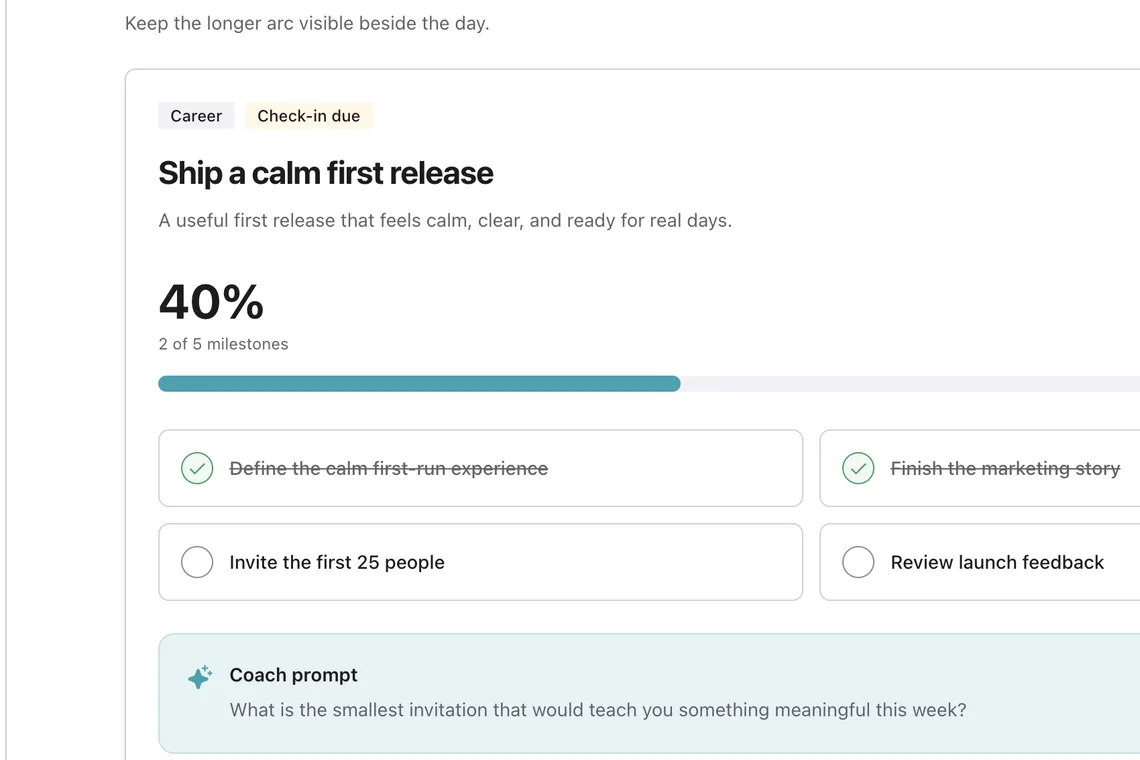
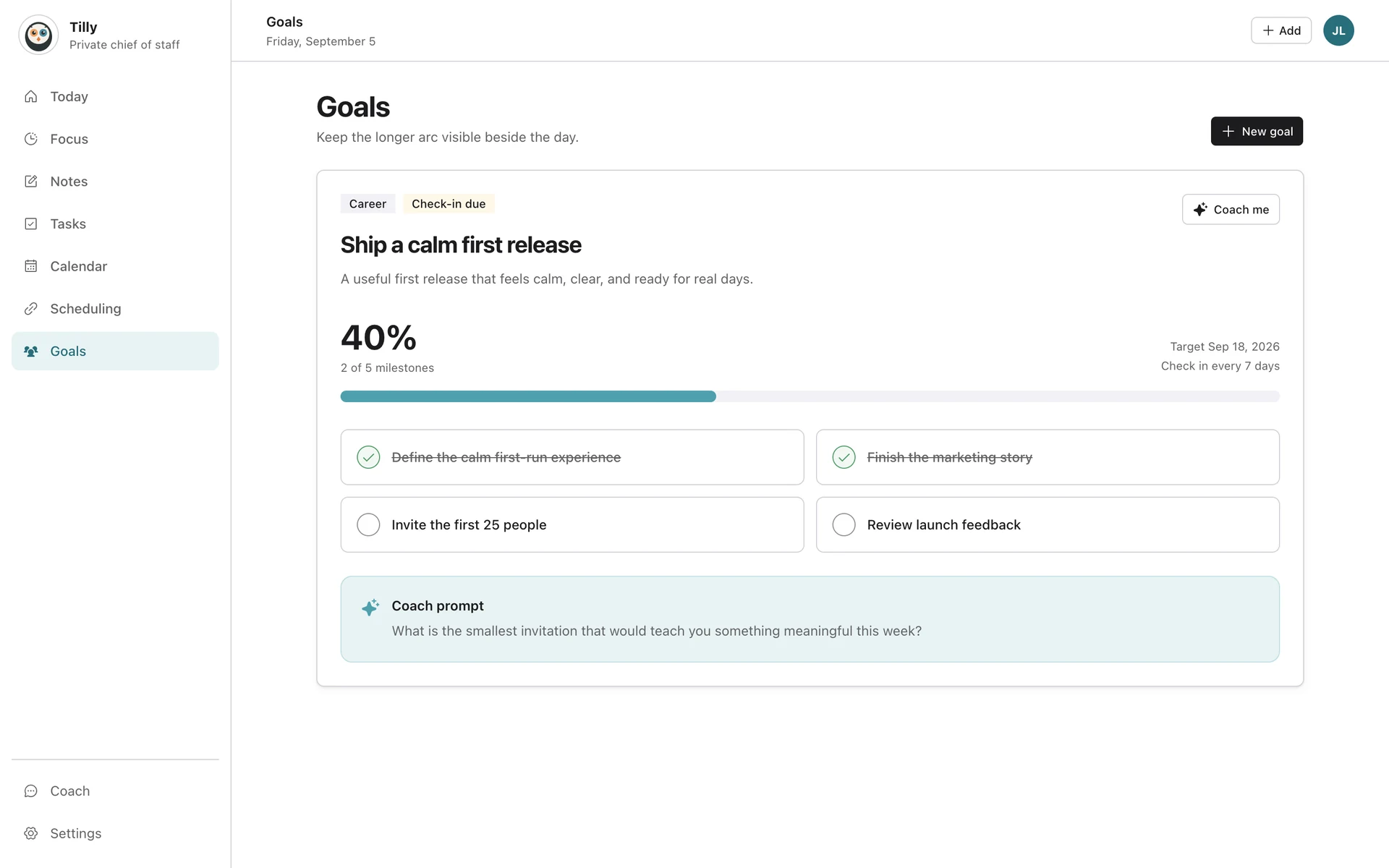
Set goals for career, personal life, money, and learning, with milestones, a target date, and a check-in cadence. Tilly Pro’s coach knows those goals, reads the week around them, and proposes the next step when you ask, for your approval.
What the morning brief includes.
The morning brief comes with Tilly Pro, in the app and by email.
In your inbox
The brief by email each morning, and to verified extra recipients if you share a household or a team.
News from your topics
Pick the subjects you follow and the brief opens with the few headlines that matter.
What changed overnight
New invitations, moved meetings, and the conflicts they created.
Carry-forward
Unfinished tasks from yesterday, with their context, so nothing silently disappears.
Open time
The openings large enough for real work, and an offer to protect them.
Your consent, versioned
You choose how much the AI features may see, and Tilly asks again when that changes.
Questions about an AI chief of staff.
What is an AI chief of staff app?
An AI chief of staff app assembles context, highlights decisions, and helps prepare actions. Tilly focuses that job on calendars, tasks, conflicts, open time, and a daily brief rather than trying to run every part of a business.
Does Tilly change my calendar automatically?
No. Tilly can prepare or suggest a calendar or task action, but consequential writes wait for explicit approval. You can review the destination calendar and the details before saving.
Which calendars does Tilly support?
Tilly connects Google Calendar, Outlook and Microsoft 365, iCloud, CalDAV servers, and subscribed ICS feeds. Individual calendars can be shown or hidden without deleting provider data.
Is Tilly useful for a solo founder?
Yes. It is designed for people who coordinate their own time across work and personal commitments and want a short operating brief without handing control of the calendar to opaque automation.
How much does Tilly cost?
Tilly Pro is $4.99 per month or $39.99 per year, with a 7-day free trial.