A focus timer that knows your calendar.
Start a pomodoro on any task, keep the countdown on your Lock Screen, and let Tilly hold the open hours before the day fills them. Included with Tilly Pro on iPhone, Mac, and the web.
Pomodoro, stopwatch, or your own rhythm.
Pick a profile, start on a task, and pause or resume from any device. Sessions are kept on the server, so a timer started on the Mac is still running on the phone.
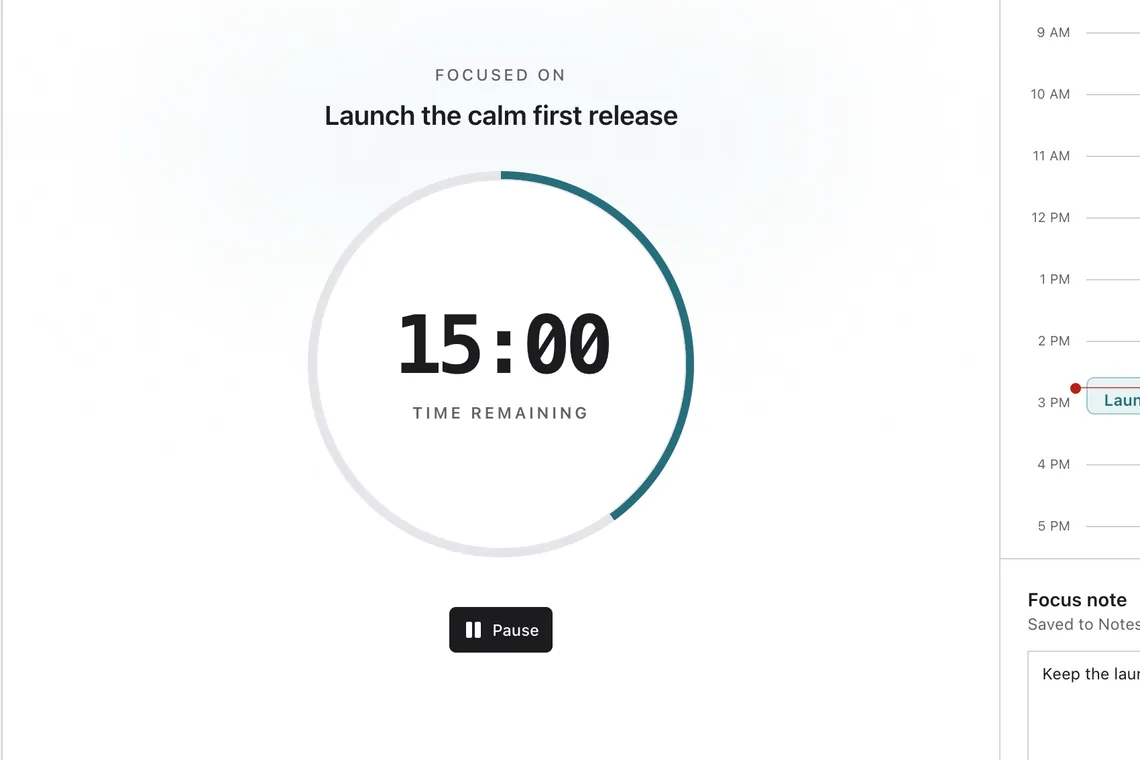
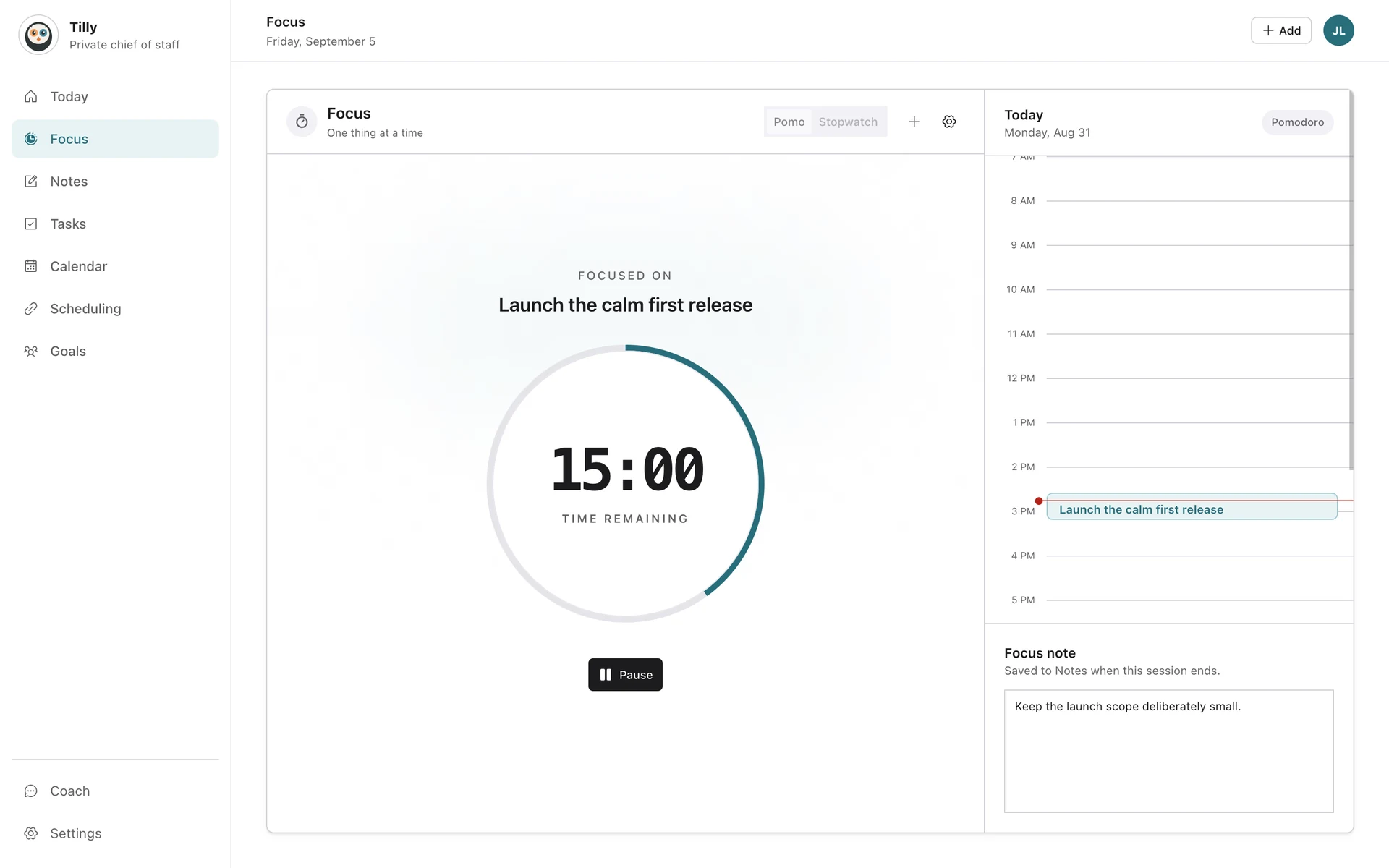
On the Lock Screen and the Dynamic Island.
The focus Live Activity shows the task, the remaining time, and progress without unlocking the phone, with safe controls to pause or finish. When a session ends you get a chime and a haptic, each with its own setting.

Protected blocks, written to your calendar.
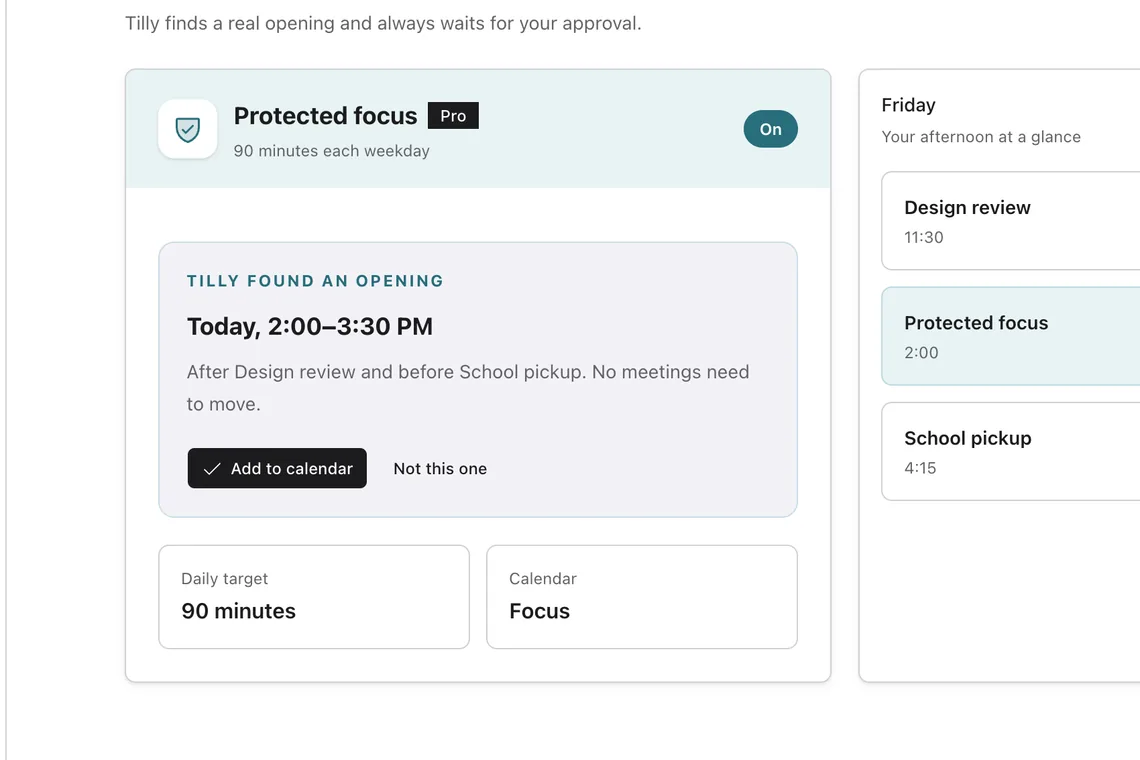
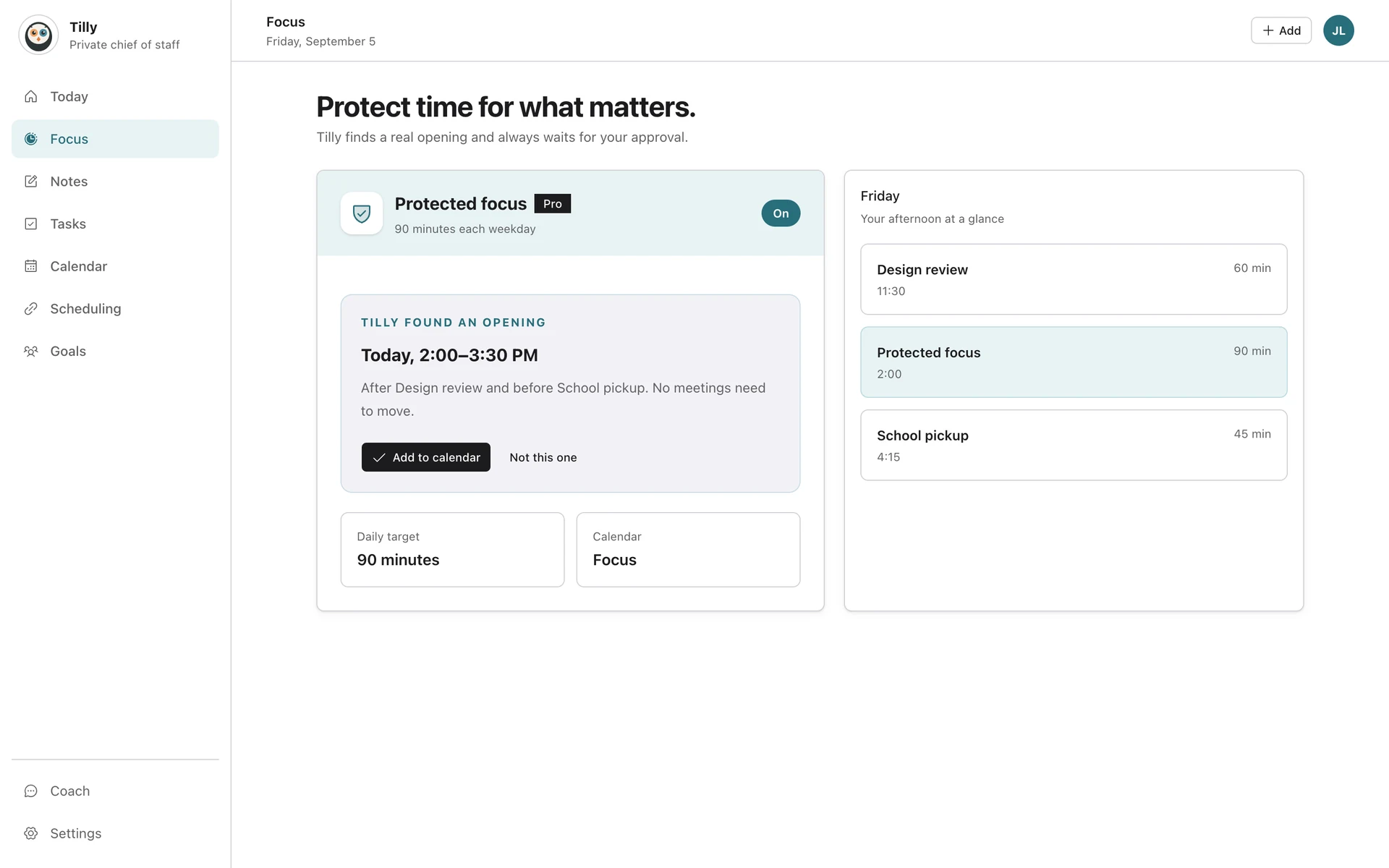
When the afternoon has ninety open minutes, Tilly offers to hold them. Approve it and the block lands on the calendar that controls your availability, so a meeting request sees busy time instead of a gap.
How the chief of staff asks first
Everything the timer keeps for you.
Focus is not a separate app. It sits beside the plan it protects.
Session history
Today’s and all-time counts, recent sessions, and what each one produced.
Notes inside a session
Write while you work; the note stays linked to the session and the task.
Widgets that start focus
The small widget shows the best next task with a Start focus action.
Menu bar countdown on Mac
The tray shows the remaining time or the next event, and opens a small Today.
Quiet by default
No streaks, no confetti. A timer, a task, and the time around it.
Reduced motion respected
The dial and the Live Activity honor the system setting.
What Tilly Pro includes.
Every new account starts with a 7-day free trial of Tilly Pro. Accounts from before the Tilly Pro launch keep what they already had.
Tilly Pro
Focus timer with pomodoro, stopwatch, and custom profiles
Session history and stats
Notes inside a session
Lock Screen Live Activity, chime, and haptics
Widgets and the Mac menu bar
Automatic protected focus blocks on your calendar
Conflict recommendations when a block collides with a meeting
The assistant, which can propose a block for you
See pricing
Protect the next open hour.
Try Tilly Pro free for 7 days, on iPhone, Mac, and the web.
7 days free. Cancel anytime.