Your calendars and tasks, on iPhone.
Check your day, capture a task, and read your morning brief wherever you are.
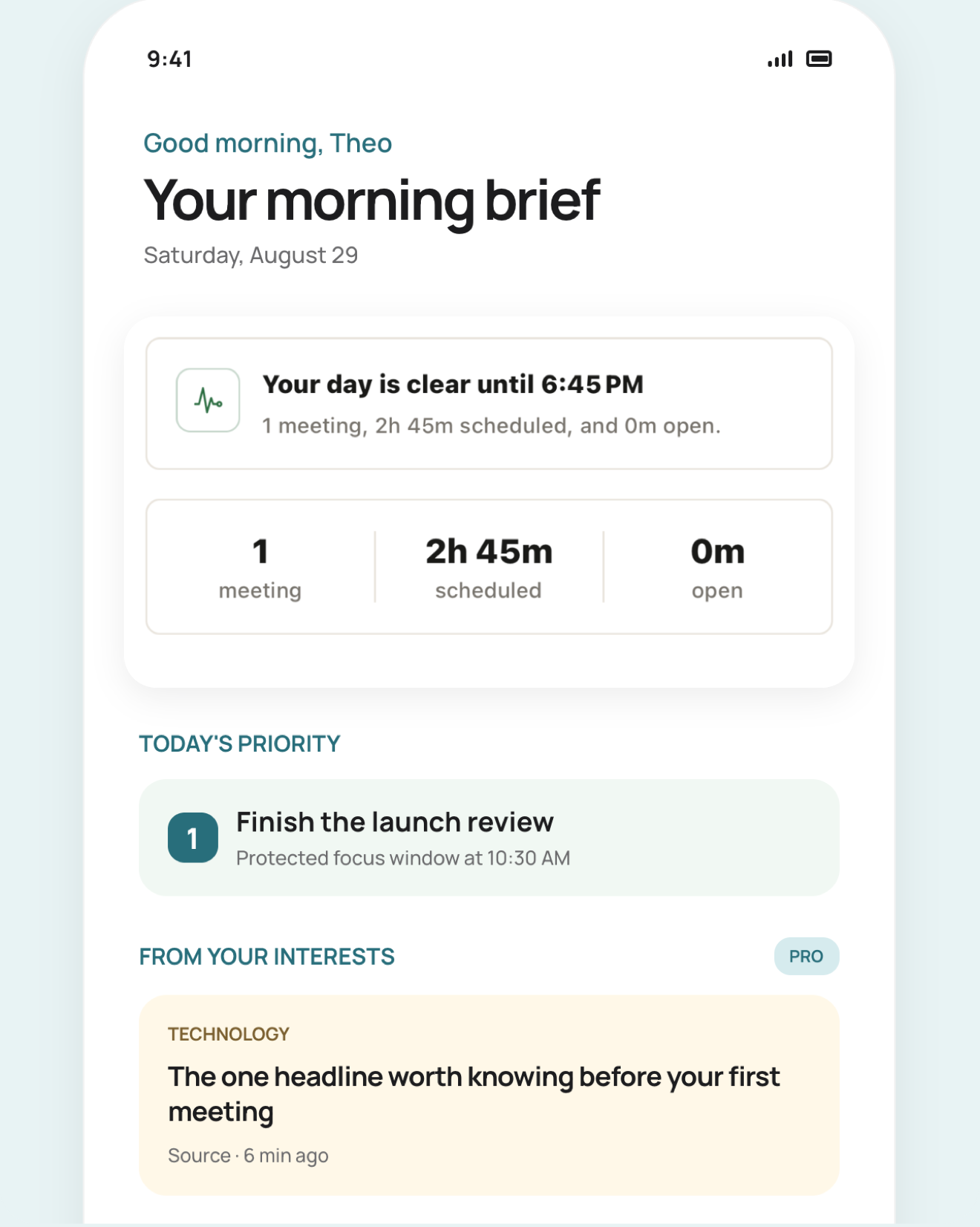
A useful glance, not another dashboard.
Open Tilly between moments and know what needs attention without rebuilding the whole plan.
Morning
Begin with a short brief.
Between meetings
Catch the next commitment and the space around it.
When plans move
Resolve conflicts and carry the right work forward.
Designed for one hand
Important actions stay close, clear, and quick to confirm.
Built around Today
The mobile app is the primary home for Tilly, not a reduced desktop view.
Quiet by default
Status and context appear when useful, without turning the day into a control room.
What belongs in the iPhone view.
The phone is where a plan meets the day. Tilly keeps the next commitment, the work you chose, schedule conflicts, and usable open time close enough to check without opening several calendar apps.
Before the day starts
Review the next fixed event, the tasks that still deserve attention, and any overlap that needs a decision. If an important calendar is missing, fix the connection before trusting the brief.
Between commitments
Check what comes next and the real space around it. Travel, preparation, and context switching can make an empty calendar gap smaller than it looks, so protect only the time you can actually use.
When plans change
Open the full calendar before moving a commitment or accepting a new one. Confirm the destination calendar and the affected conflict, then return to Today once the revised plan is clear.
Connect the calendars that affect availability.
Work, personal, family, and shared calendars can appear together while each event keeps its original account and calendar. Choose only the calendars that change whether you are free; hiding an unused calendar in Tilly does not delete it from its provider.
Follow the calendar setup guideOn the Home Screen, the Lock Screen, and the Dynamic Island.
Eight widgets: the best next task with a Start focus action, three actionable tasks with the next event, the full Today plan, day, week, and month calendars, conflicts, the brief, and quick capture. A focus session runs as a Live Activity with safe controls.
See the focus timer
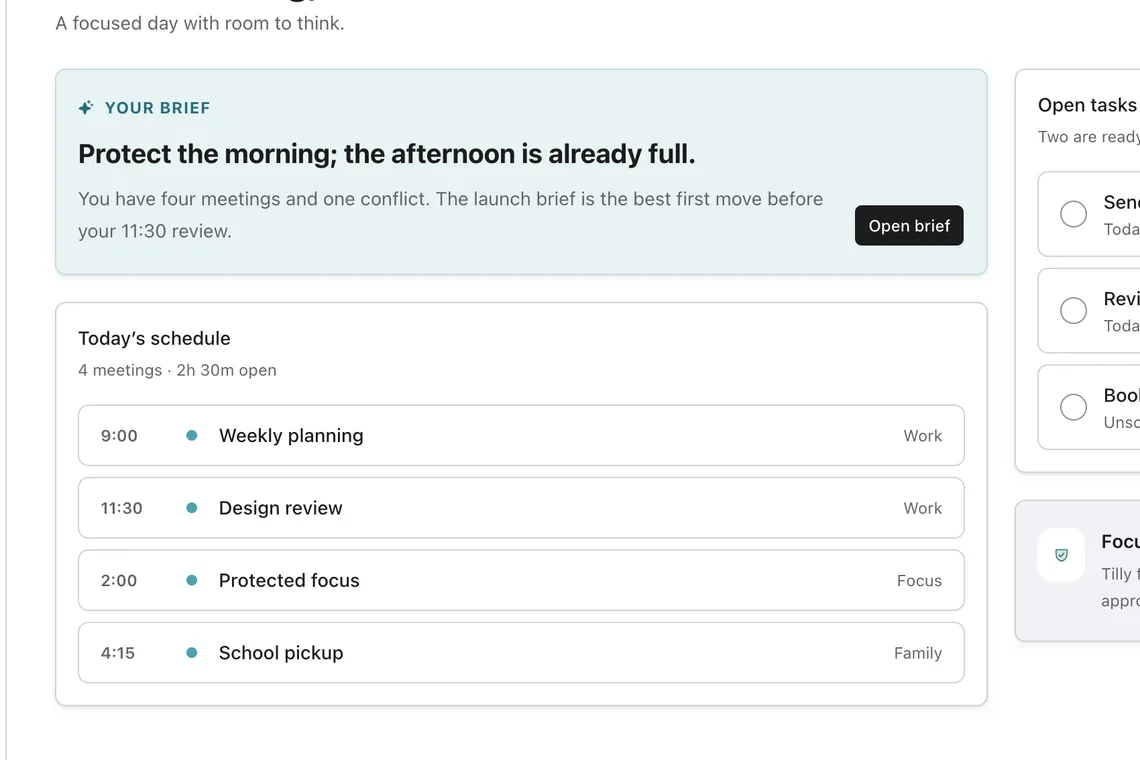
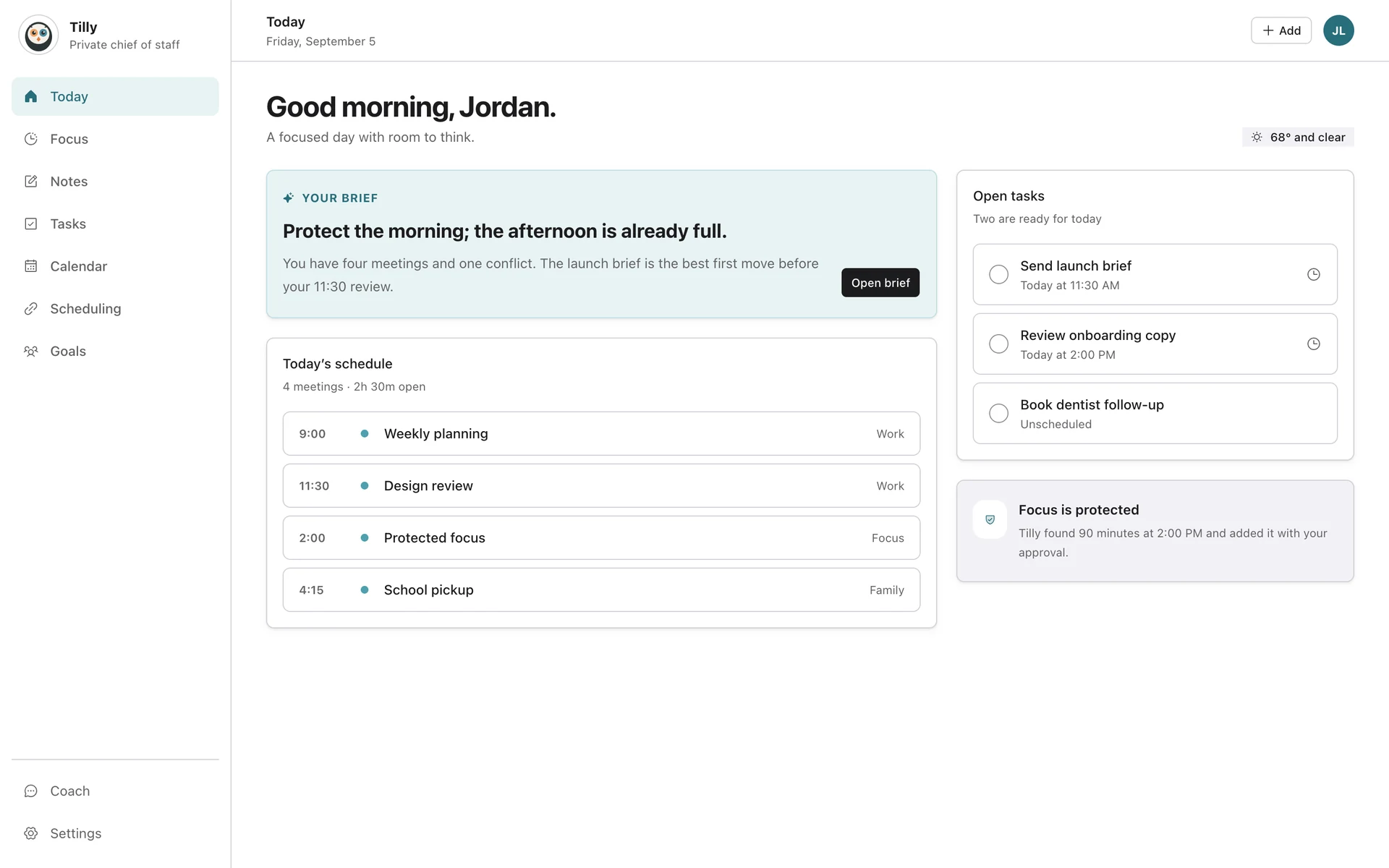
Only on iPhone.
The parts of Tilly that use what the phone can do.
Say it to Siri
A private Tilly list in Apple Reminders becomes an inbox Siri and Shortcuts can add to. It syncs into your tasks. Pro.
See a real brief before you decide
Connect a calendar during setup and preview one daily brief built from it before you start your 7-day trial.
Five languages
English, Spanish, French, German, and Brazilian Portuguese, including notifications.
Voice notes
Speak and watch the words appear, ready to edit, save, or turn into a task.
Native sheets and haptics
iOS sheets, haptic feedback, and a comfortable or compact density.
Quiet hours and respectful nudges
Opt-in morning, focus, and evening notifications, capped at one a day, silent in quiet hours.