One short brief, before the day starts.
Tilly reads every calendar you connect and writes a daily brief you read once: what is next, how much of the day is already spoken for, which meetings collide, and where there is still room to work. Included with Tilly Pro on iPhone, Mac, and the web.
The whole day, in the first ten seconds.
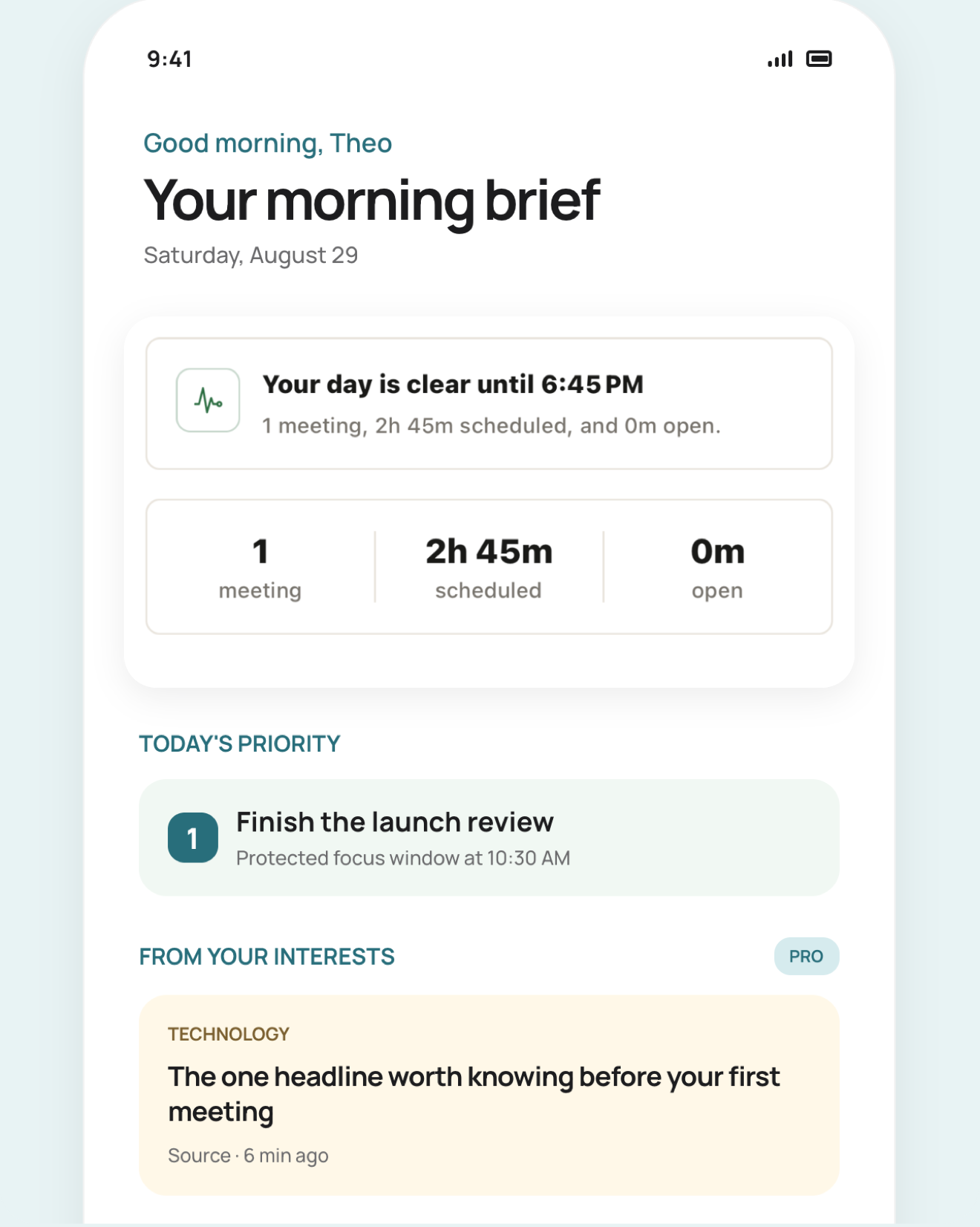
The brief opens with the date and a count you can act on: how many meetings, how long they take together, and how much free time is left around them. Underneath sit the next commitment, any all-day items, and the busiest run of back-to-back meetings, so you know before breakfast whether the afternoon is real.
It names the conflict, not just a number.
A badge that says “1 conflict” makes you go looking. Tilly lists the overlapping meetings by title, with the minutes they share, and drops each one as it passes so the brief never nags you about a collision that resolved itself at eleven.
How the chief of staff asks before it acts
Free time you can actually book.
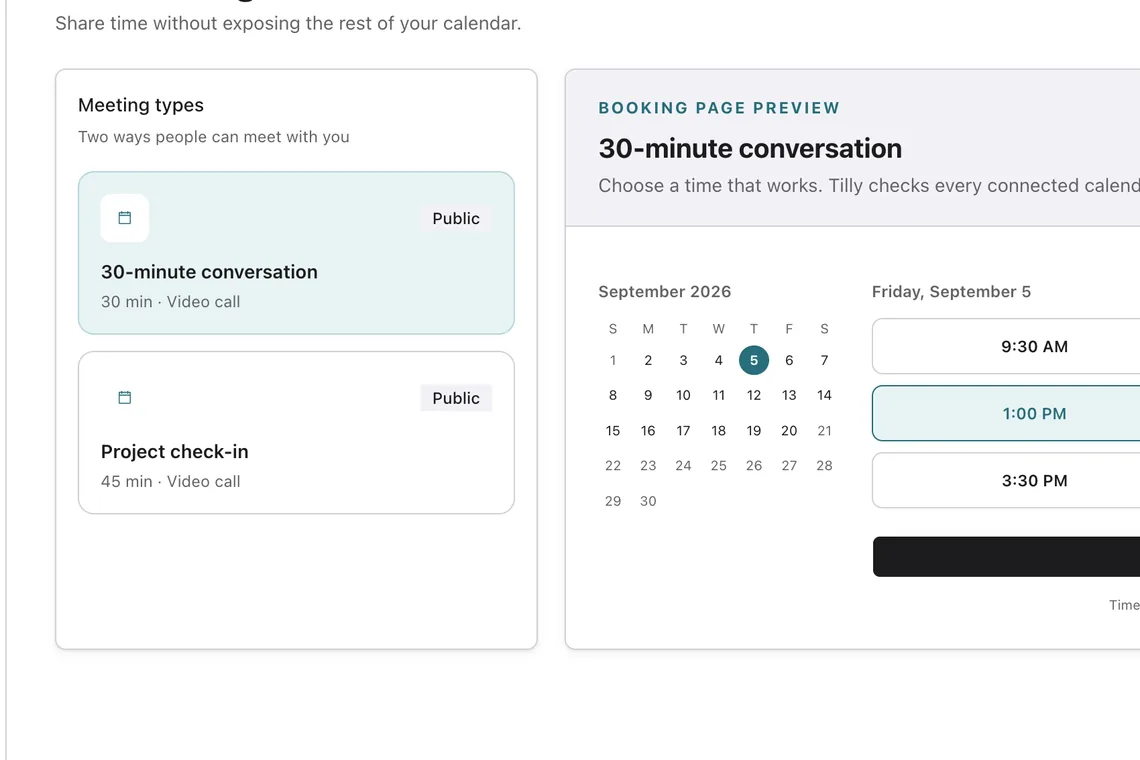
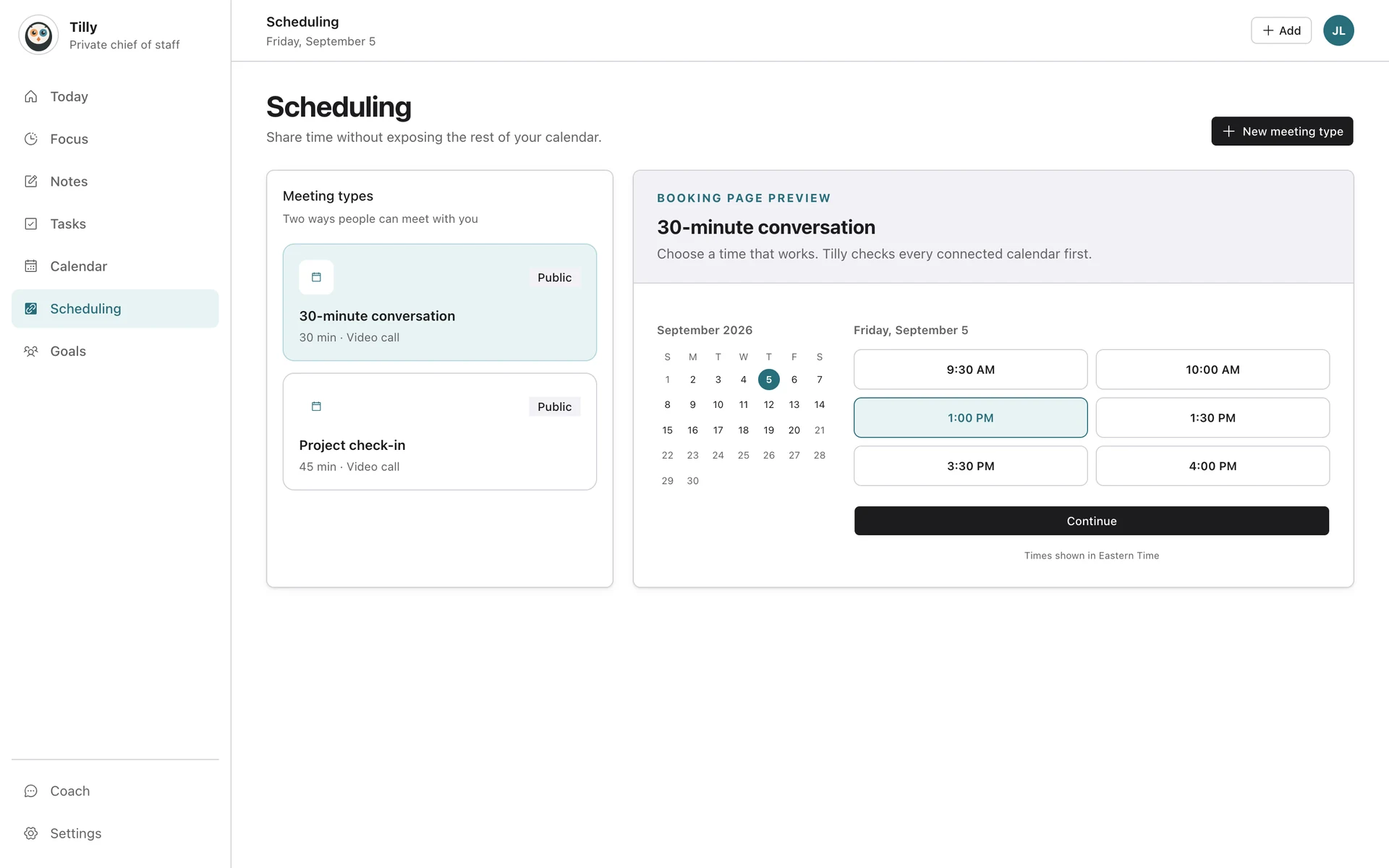
With Tilly Pro, open time is measured against the hours you set as available rather than a generic eight-hour day. Reading the brief does not reserve that time. In the web assistant, ask for a focus block, review its time and destination calendar, and approve the proposed change before it is saved.
See the focus timer
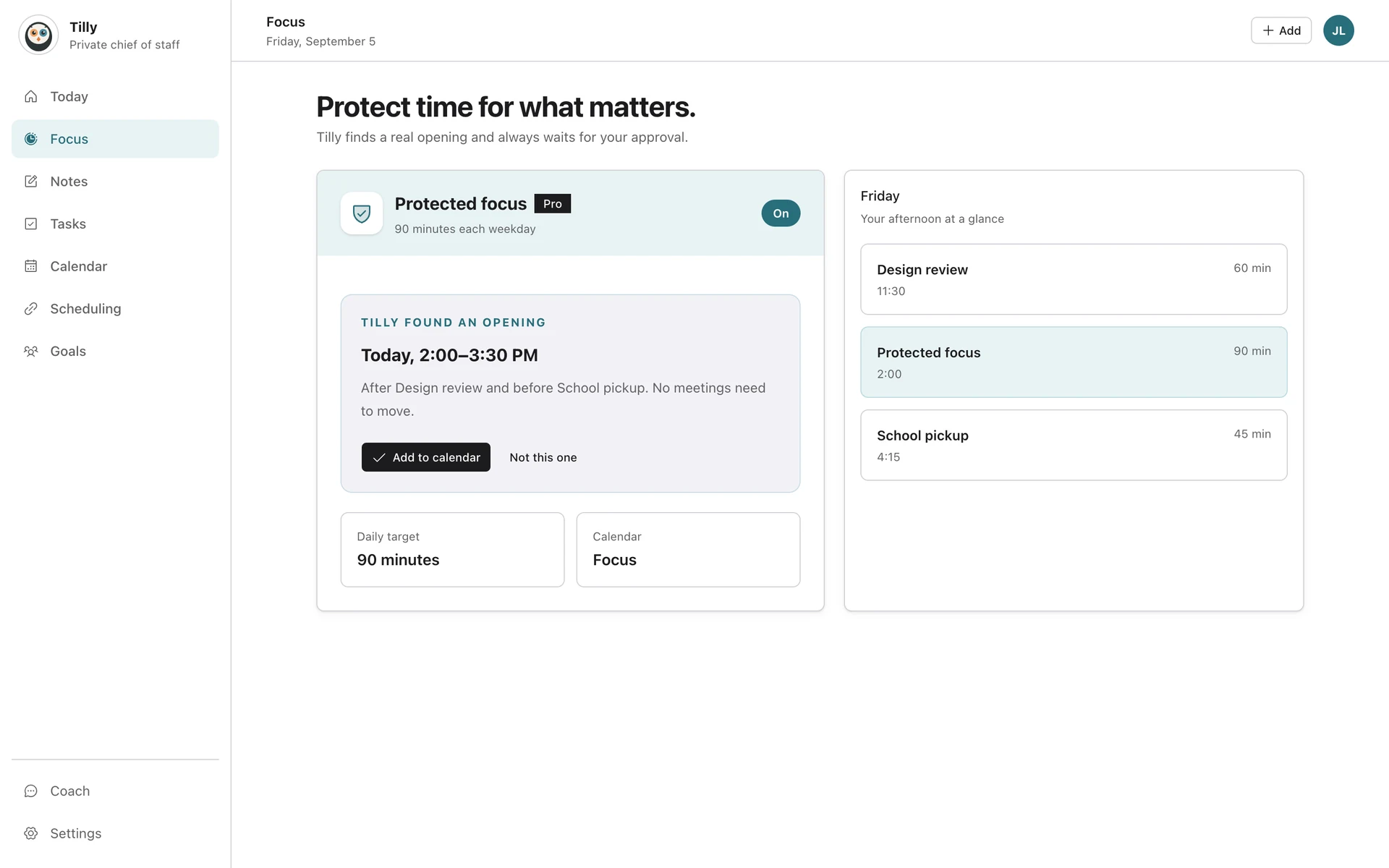
One morning, from overview to decision.
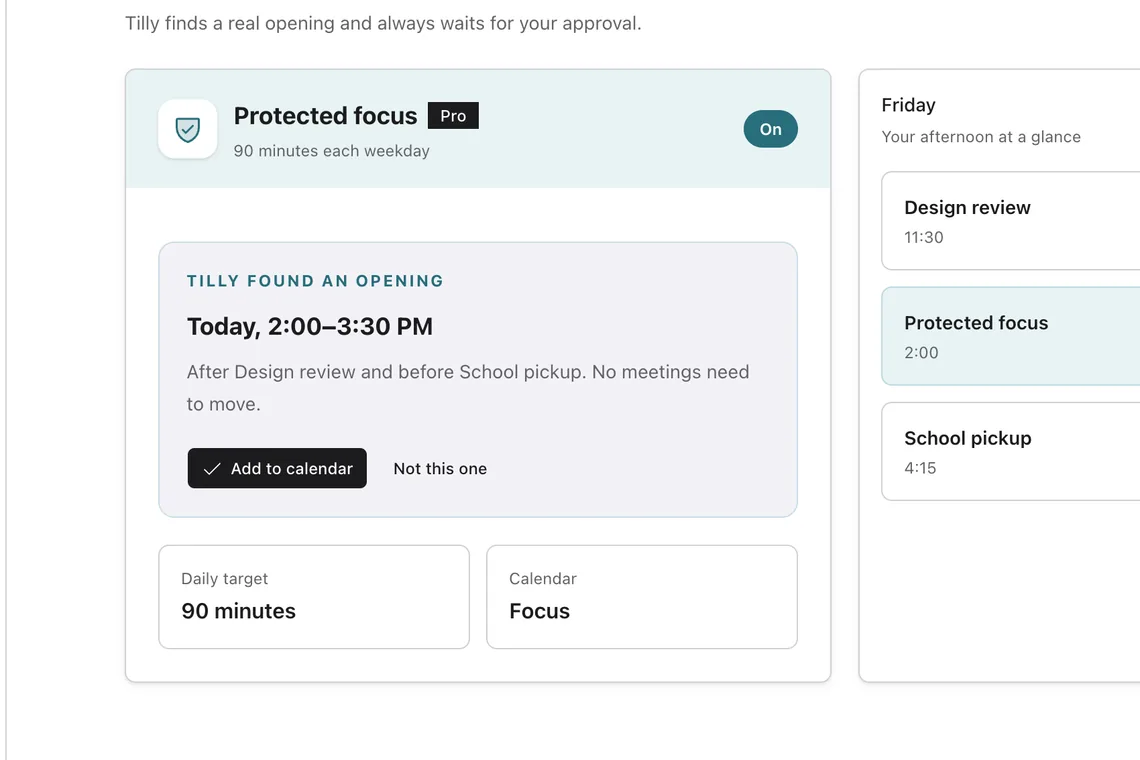
A fictional example of using the daily brief and web assistant with Tilly Pro. The daily brief is not included in Legacy Free, and new users start with a 7-day Pro trial.
Read the overlap
Imagine a work review from 10:00 to 11:00 and a personal appointment from 10:30 to 11:00. With both calendars visible, the brief names the two events and their 30-minute overlap. Reading it changes neither event.
Ask about the opening
Suppose your afternoon has a 90-minute gap inside your working hours. Ask the web assistant to find time for focused work. It checks availability across visible timed events and scheduled tasks before proposing a time.
Review, then approve or cancel
Ask to put the focus block on a writable calendar. The web assistant shows the proposed time and destination for your approval. Approve to save it, or cancel to leave your calendar unchanged. The morning conflict still needs its own decision.
Where the brief finds you.
A brief you have to go and open is a brief you stop reading. Tilly puts the same one in the places you already look.
Today, on every device
The brief sits at the top of Today on iPhone, Mac, and the web, and collapses once you have read it.
A Home Screen widget
One of eight iPhone widgets, so the day is readable without unlocking anything.
In your inbox on Pro
Tilly Pro emails the brief each morning, and to up to two extra addresses once each one confirms.
News from the topics you pick
Choose the subjects you follow and the brief opens with the few headlines that touch them.
Only the calendars you show
Hiding a calendar in Tilly takes it out of the brief and its counts, and never touches the provider.
Quiet by design
No streaks and no score. It describes the day, then gets out of the way.
What Tilly Pro includes.
Every new account starts with a 7-day free trial of Tilly Pro. Accounts from before the Tilly Pro launch keep what they already had.
Tilly Pro
The daily brief in the app on iPhone, Mac, and the web
Meetings, scheduled time, free time, conflicts, and the next event
News from the topics you follow
The brief widget on the iPhone Home Screen
Unlimited calendar accounts
The brief by email each morning
Up to two extra verified recipients, for a partner or an assistant
Automatic protected blocks on the open time the brief finds
Conflict recommendations, not only the conflict
See pricing
Questions about a daily brief app.
What is a daily brief app?
A daily brief app reads the day ahead and gives you one short summary instead of a calendar you have to interpret. Tilly opens with the date, how many meetings you have and how long they take, the free time left around them, any conflicts, and the next thing on the calendar.
Which calendars does the daily brief read?
Every calendar you connect and keep visible: Google Calendar, Outlook and Microsoft 365, iCloud, CalDAV servers, and subscribed ICS feeds. Hiding a calendar in Tilly takes it out of the brief and its counts without deleting anything at the provider.
Is the daily brief part of Tilly Pro?
Yes. The daily brief, in the app and by email each morning, comes with Tilly Pro. Pro is $4.99 per month or $39.99 per year, with a 7-day free trial.
Can the brief go to someone else as well?
On Pro you can add up to two extra recipients, such as a partner or an assistant. Each address has to confirm by email before a brief is ever sent to it, so nobody receives your schedule without opting in first.
Does the daily brief change my calendar?
Reading the brief does not change your calendar. It describes the day and names what needs a decision. If you ask the web assistant to change a calendar event or task, it prepares the change and waits for explicit approval. Review the details, then approve to save or cancel to leave the calendar or task unchanged.
Connecting the first calendar takes about a minute, and the brief is there the next morning.
Start tomorrow with the whole day in one place.
Try Tilly Pro free for 7 days, on iPhone, Mac, and the web.
7 days free. Cancel anytime.