Tilly for Mac. The plan, one click from the work.
The full planner as a Mac app, with a menu bar that shows the focus countdown or the next event and a system-wide shortcut for capturing a task. It signs in with the same account as iPhone and the web.

A menu bar that answers the one question.
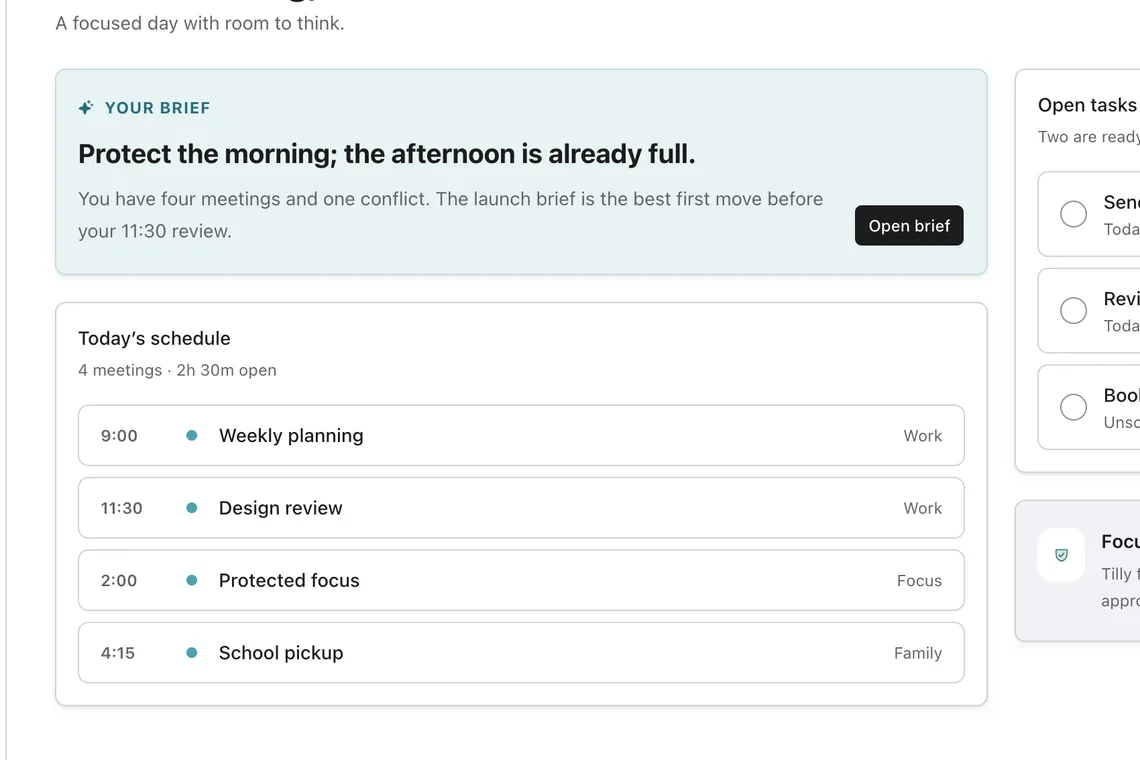
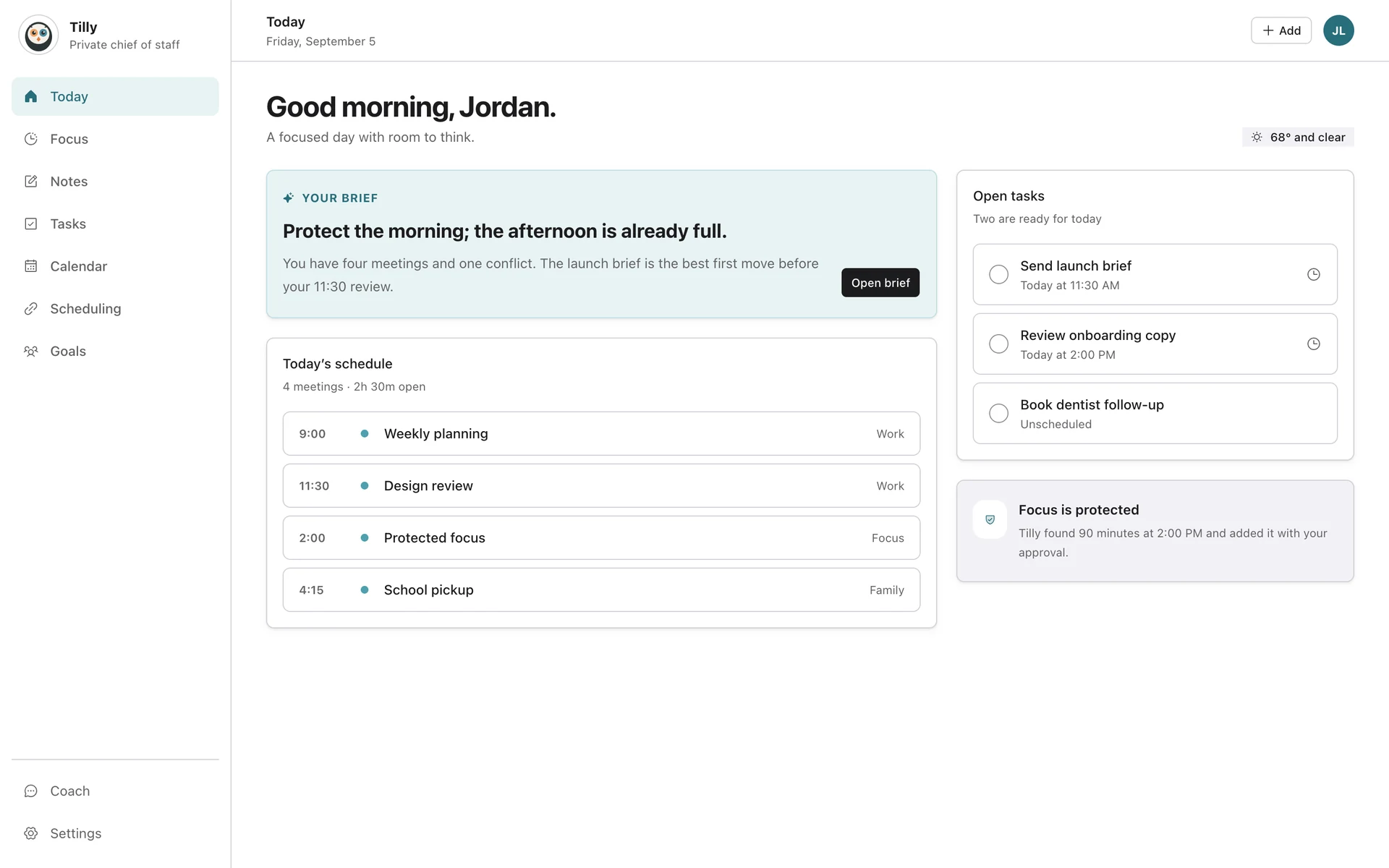
The tray shows what is next or how long is left in the session. Click it for a small Today with the next commitment, the tasks you chose, and a Start focus button, without switching windows.
Tilly compared with Fantastical
Capture from anywhere with one shortcut.
Press the global shortcut in any app and a small bar opens for a task, an event, or a note. Type, press return, and it is in the plan.

From the browser to the Mac app in one step.
Working in the web app? Open in Mac app hands the page to the native app on the same route. Tilly launches at login if you want it to, and uses macOS notifications for reminders.
See the web planner
What the Mac app includes.
Everything on the web, plus the parts that only make sense on a desktop.
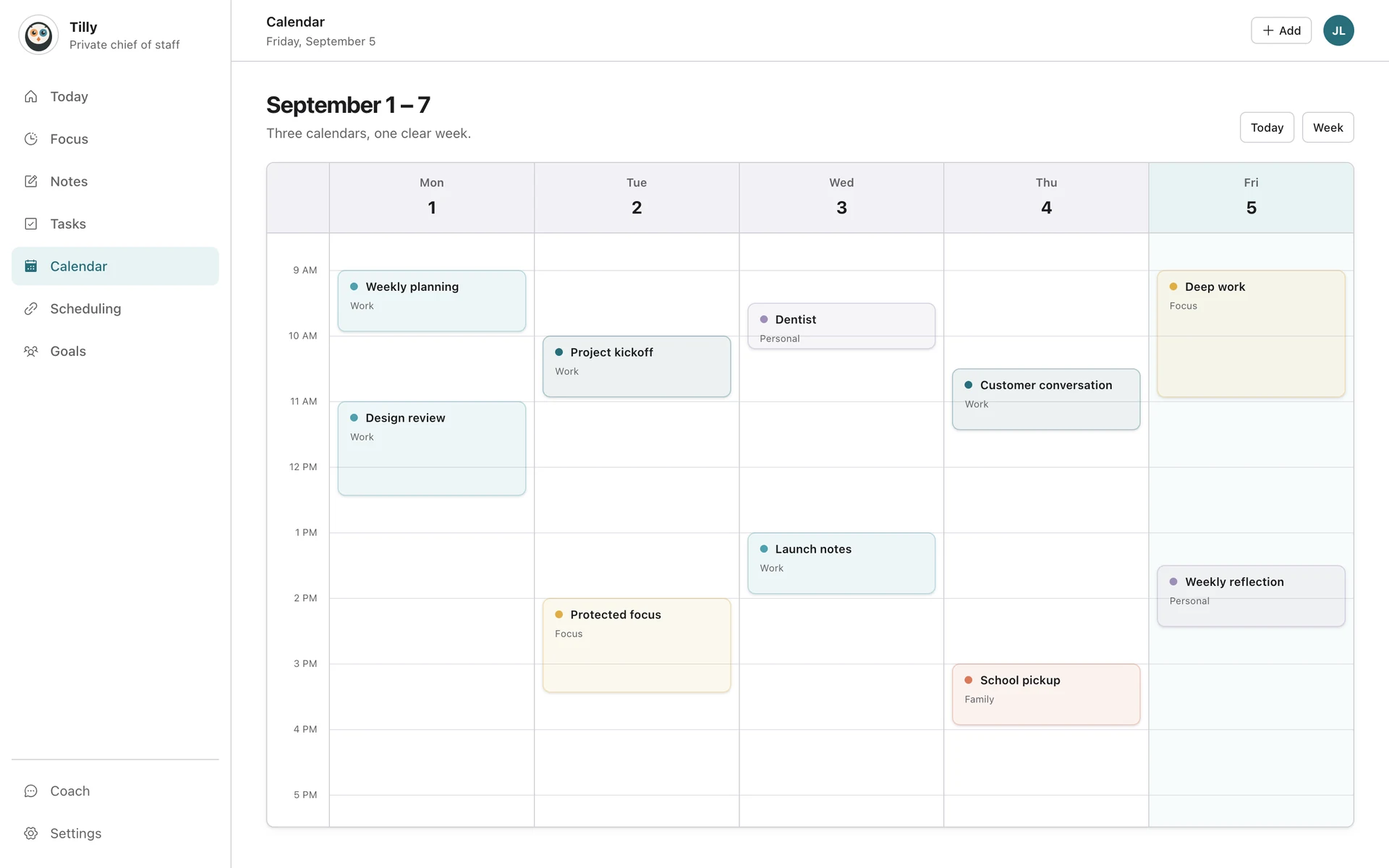
The full planner
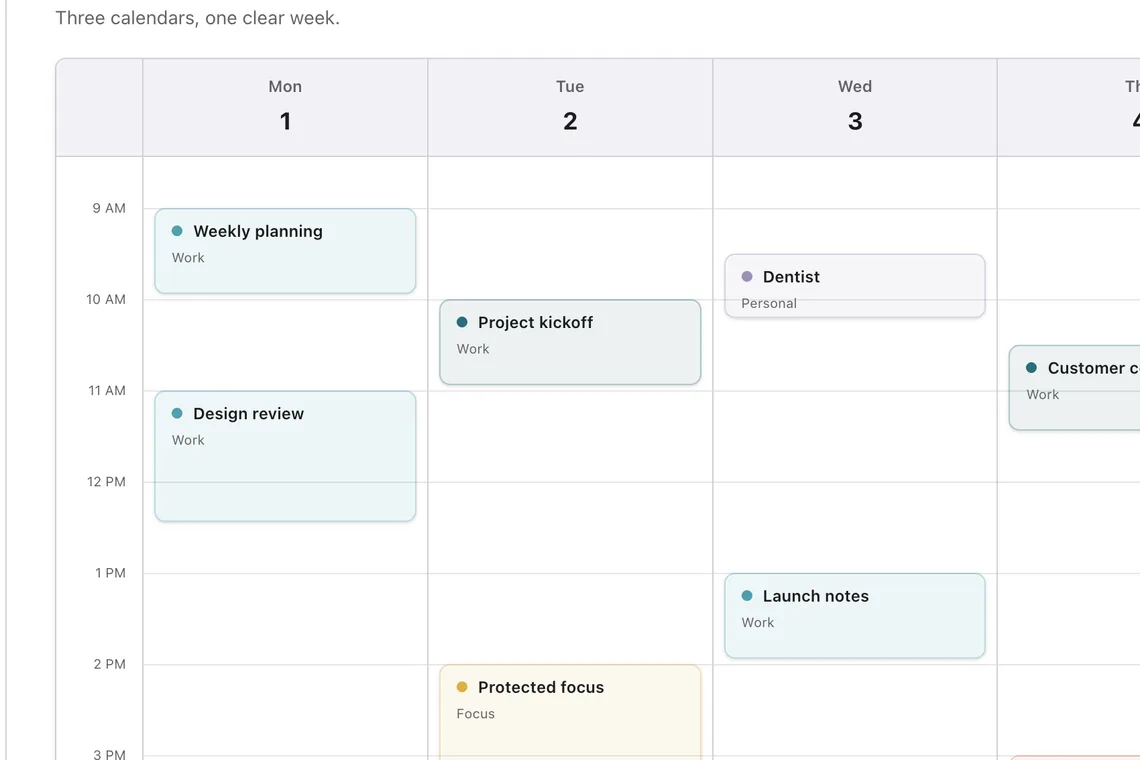
Day, three-day, week, month, and agenda views with drag to move.
Tasks, notes, focus, people
The same records as iPhone and the web, kept in sync.
Menu bar popover
Inbox, Today, Focus, and More from the tray.
Global-shortcut quick add
A floating capture bar from any app.
Launch at login
Optional autostart, and native notifications.
Offline edits
Keep planning without a connection; changes reconcile when you are back.
What Tilly Pro includes.
Every new account starts with a 7-day free trial of Tilly Pro. Accounts from before the Tilly Pro launch keep what they already had.
Tilly Pro
The Mac app itself
Menu bar, quick add, launch at login, offline edits
Unlimited calendar accounts
Protected focus blocks, Notes AI, the assistant and coach
Subscribe on the web with Apple Pay or card, or in the iPhone app
See pricing
Keep the day one click away.
Requires macOS 12 or later.
7 days free. Cancel anytime.