Everything you need to get settled.
Set up Tilly, connect iCloud, Google, and Outlook calendars, understand Today, protect focus time, manage Pro, and control account data.
Find an answer
Where to start
Most questions fall into one of three places. Pick the one that matches what you are trying to do, or search above for a specific word.
You are new to Tilly
Install the app, choose which calendars belong in view, and shape a first Today screen you will actually read. Then learn how the brief, the next event, tasks, conflicts, and open time fit together as one starting point for the day.
A calendar is missing or out of date
Each provider connects differently. Google and Outlook sign in on their own pages. iCloud connects with an app-specific password you create at Apple, or on iPhone through the calendars already on the device. Follow the guide for the account that is missing, then check that the right calendars are switched on.
You want to protect time or manage your account
Turn an open window into time that stays free for important work. Restore Pro after reinstalling or moving to a new iPhone. Or remove your Tilly account and its product data for good; your events stay with Google, Microsoft, or Apple.
Popular guides
Start with the day in front of you.
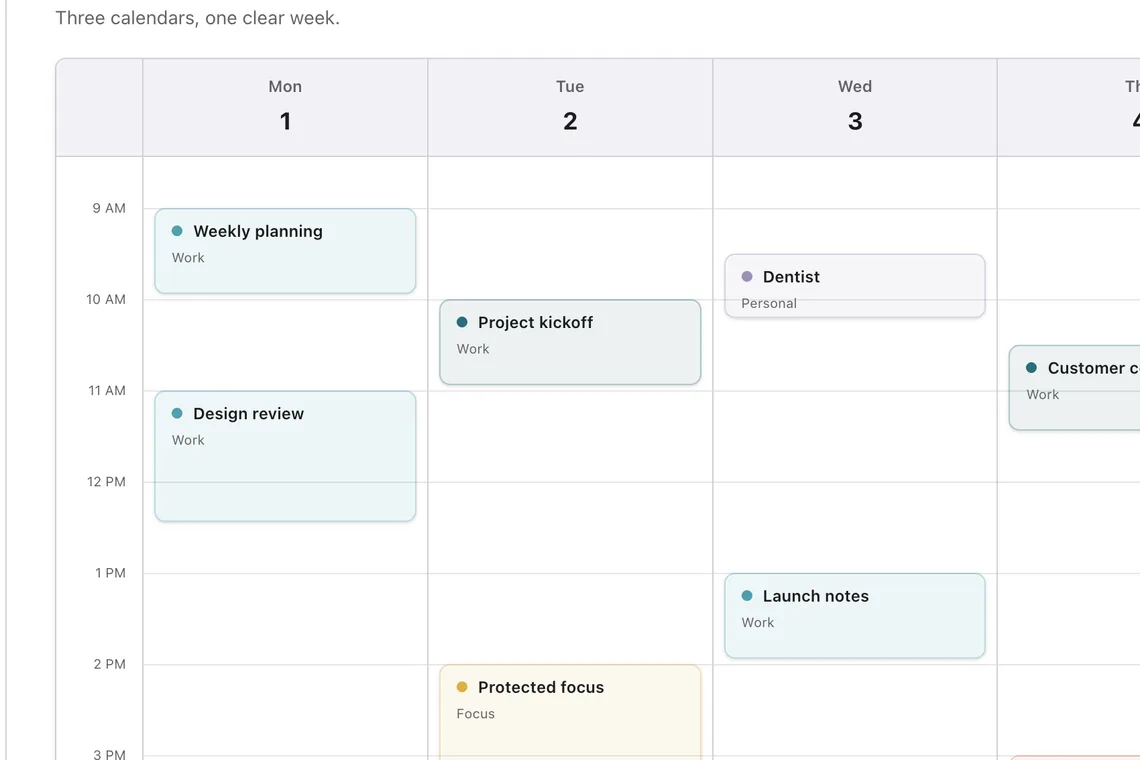
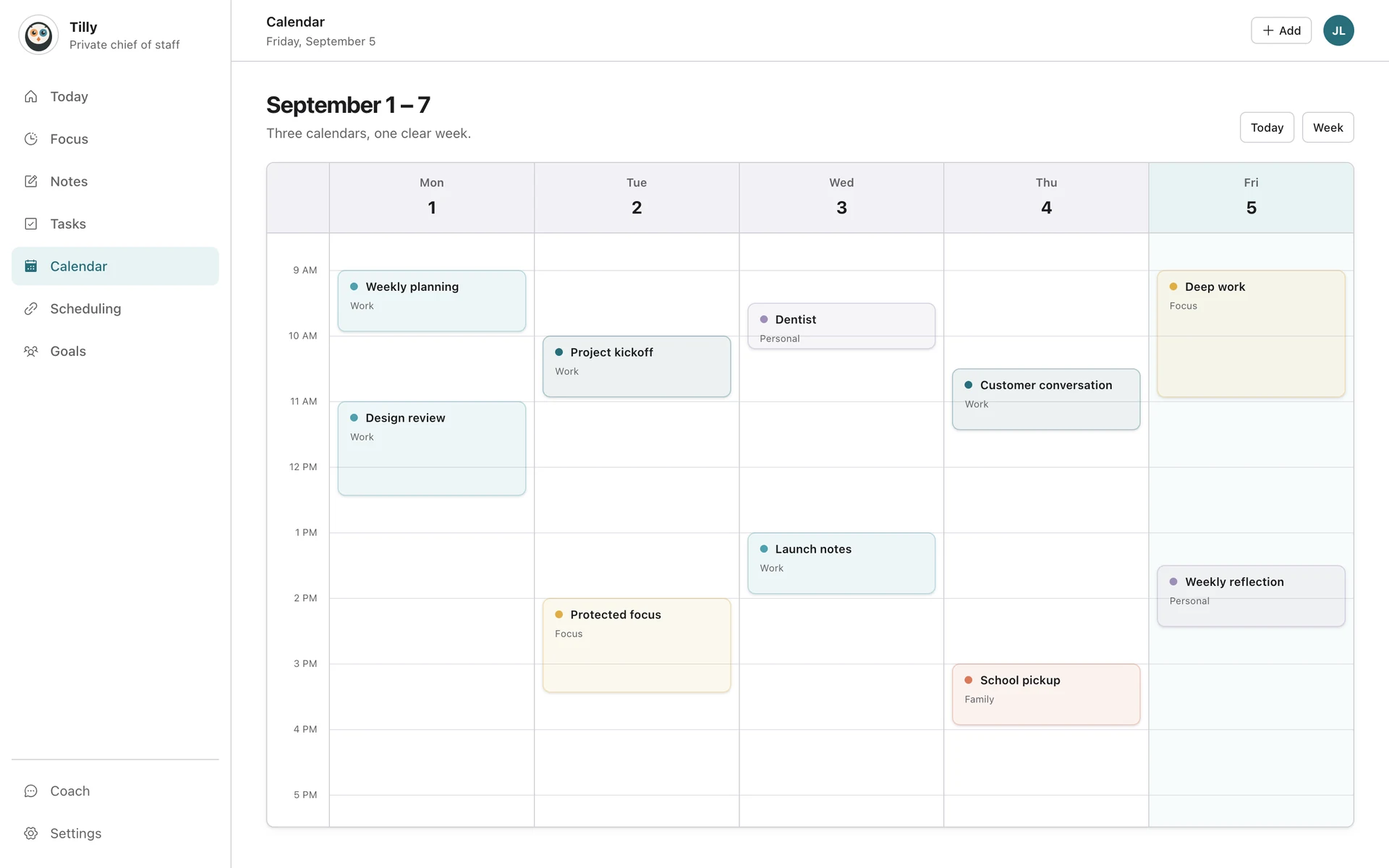
The guides explain each setup step. The product views show where that work lands on iPhone, Mac, and the web.