Notes that know which meeting they belong to.
Type or speak a note and Tilly files it against the meeting, the person, and the day, on iPhone, Mac, and the web. Tilly Pro turns what you wrote into follow-ups you approve.
Capture first. Sort never.
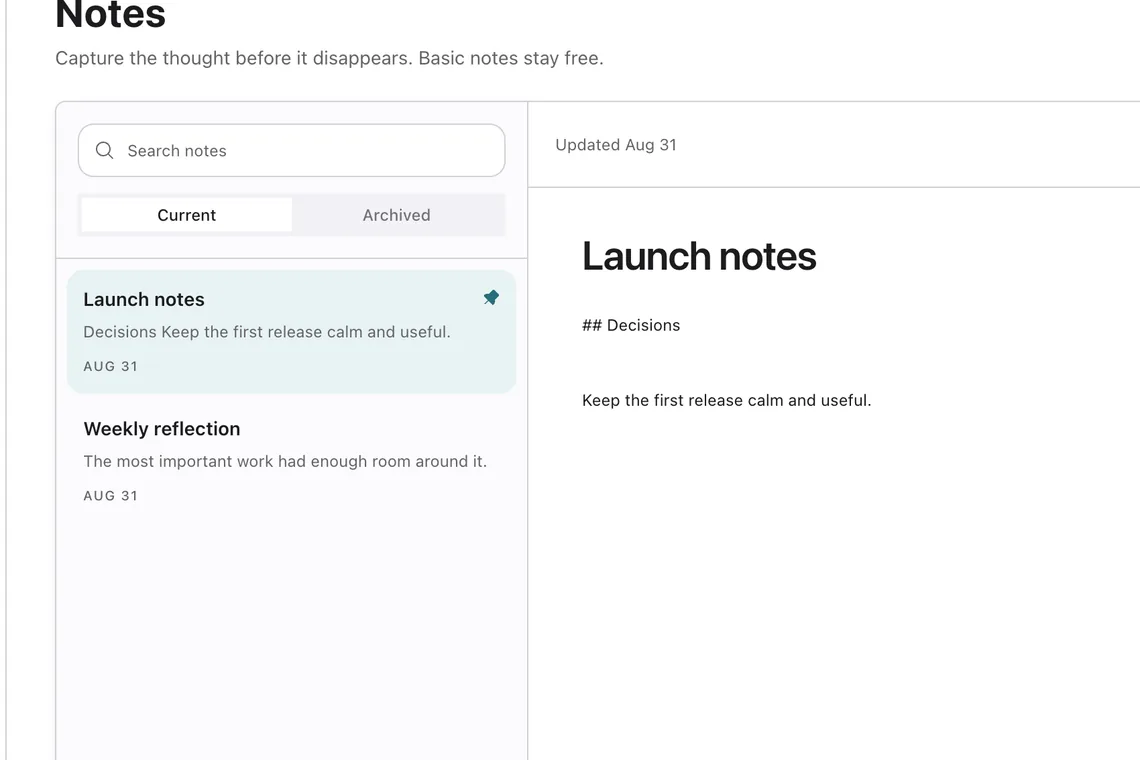
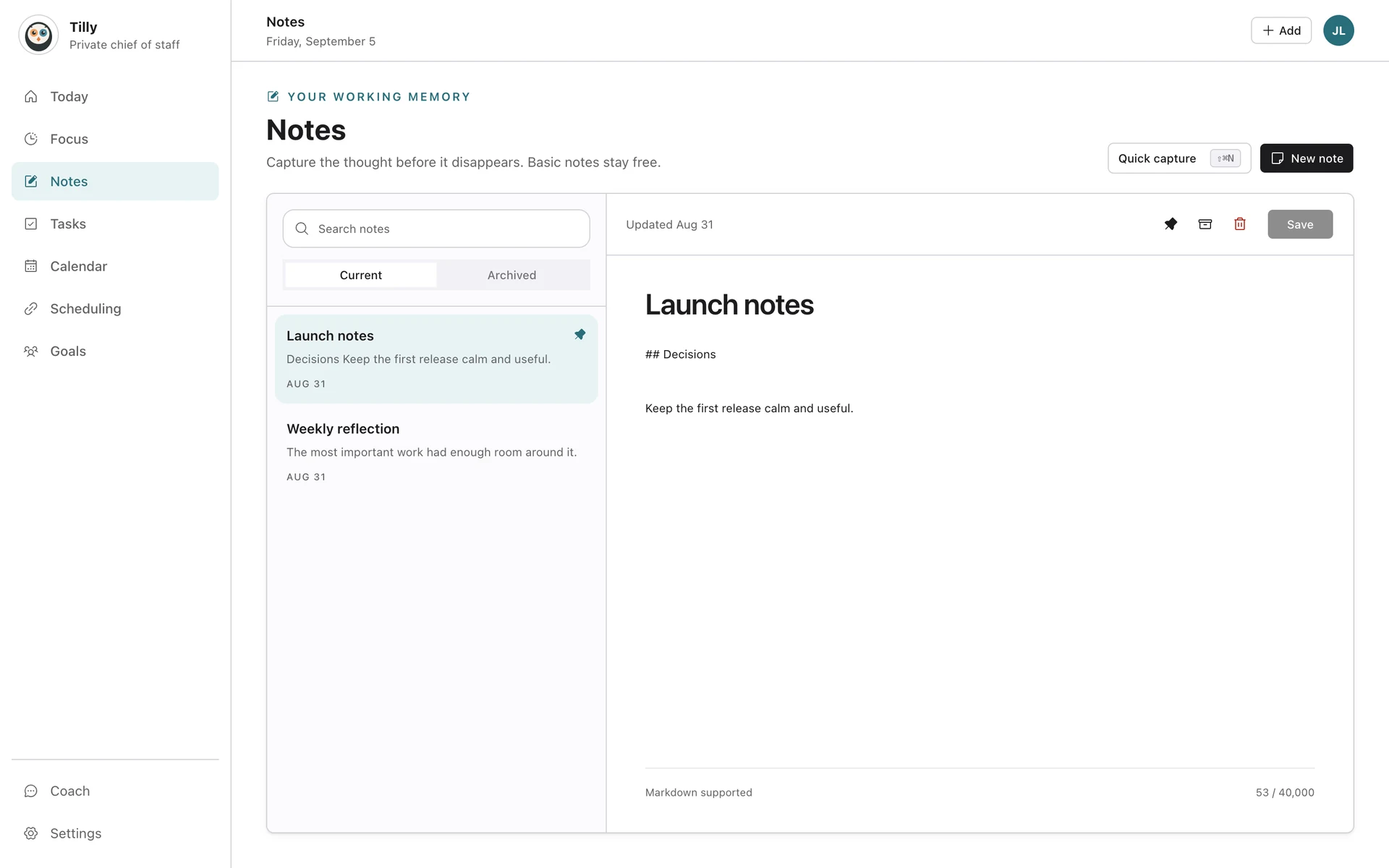
A note starts as a line of text or a voice memo turned into editable words as you speak. It is searchable the moment you stop, and it can stay a note, become a task, or attach to the meeting you are in.

Filed to the meeting, the person, and the session.
Tilly links each note to the event it was written during, the people in that event, and the focus session if one was running. Open a person and the notes are there. Open the meeting next week and last week’s note is waiting.
Follow-ups become tasks, with your approval.
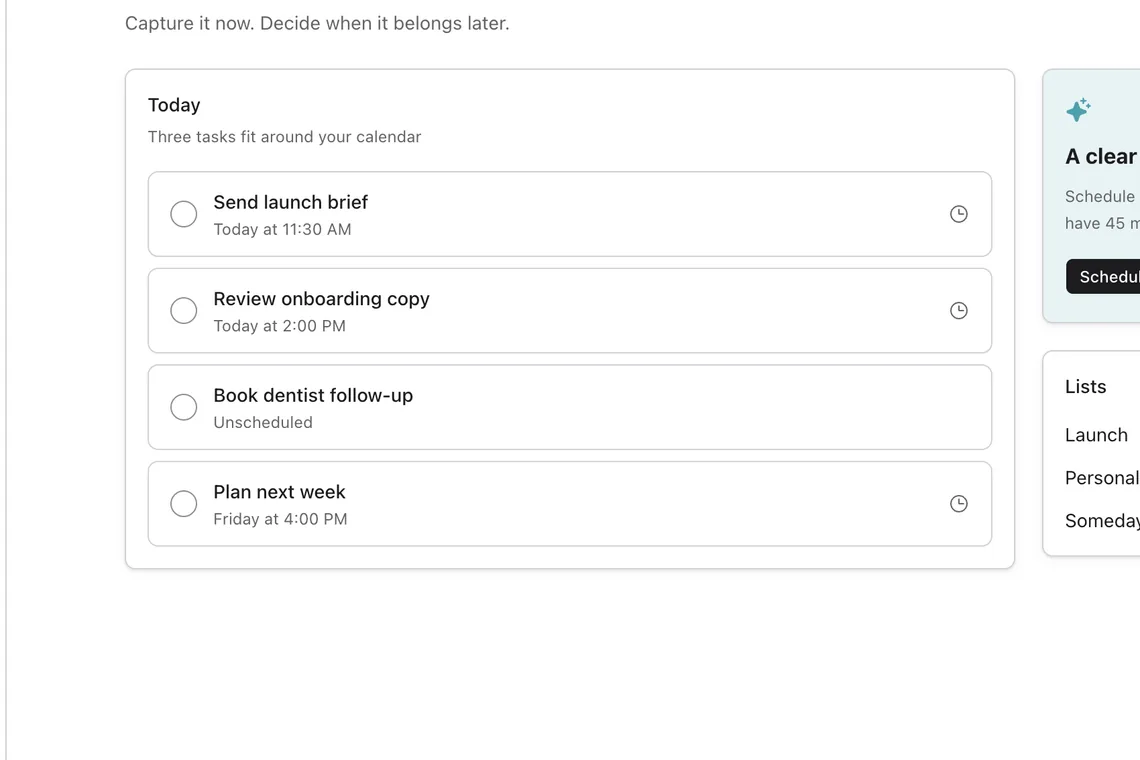
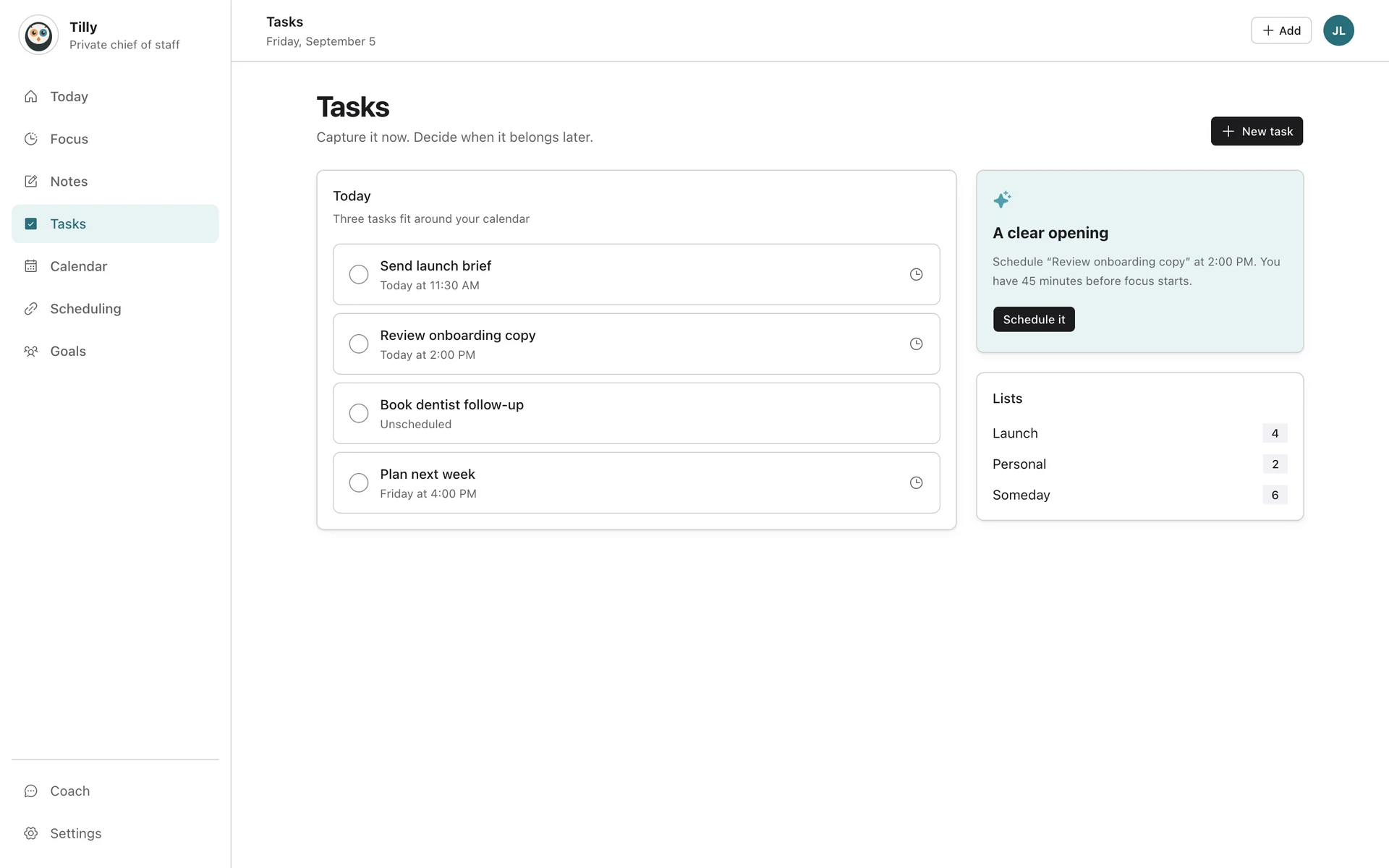
With Pro, Tilly reads a note and proposes the follow-ups it finds: send the deck by Friday, book the next call, check the budget line. Each proposal waits for a tap before it becomes a task.
How approvals work
Small details that make notes usable.
Notes are plain text with a little structure, kept close to the plan.
Voice to text
Speak on iPhone and see the words appear as you go, ready to edit.
Markdown and search
Headings, lists, and links, with search across every note.
Archive, not delete
Old notes leave the list without leaving your account.
Quick capture widget
A Lock Screen widget that opens straight into a new note.
Private by design
Notes are yours. Notes AI runs only after you turn it on and only on the notes you choose.
Every platform
iPhone, Mac, and the web share the same notes and the same links.
What Tilly Pro includes.
Every new account starts with a 7-day free trial of Tilly Pro. Accounts from before the Tilly Pro launch keep what they already had.
Tilly Pro
Notes with markdown, search, and archive
Voice capture on iPhone and the web
Notes linked to meetings, people, and focus sessions
Quick capture widget
Notes AI: follow-up tasks proposed from what you wrote
Automatic linking of new notes to the right meeting and person
The assistant, which can draft from a note
See pricing
Write it down once. Tilly keeps it where it belongs.
Try Tilly Pro free for 7 days, on iPhone, Mac, and the web.
7 days free. Cancel anytime.