Plan your week in the browser.
See your calendars and tasks together on a bigger screen. Your plan stays with you on iPhone and Mac.
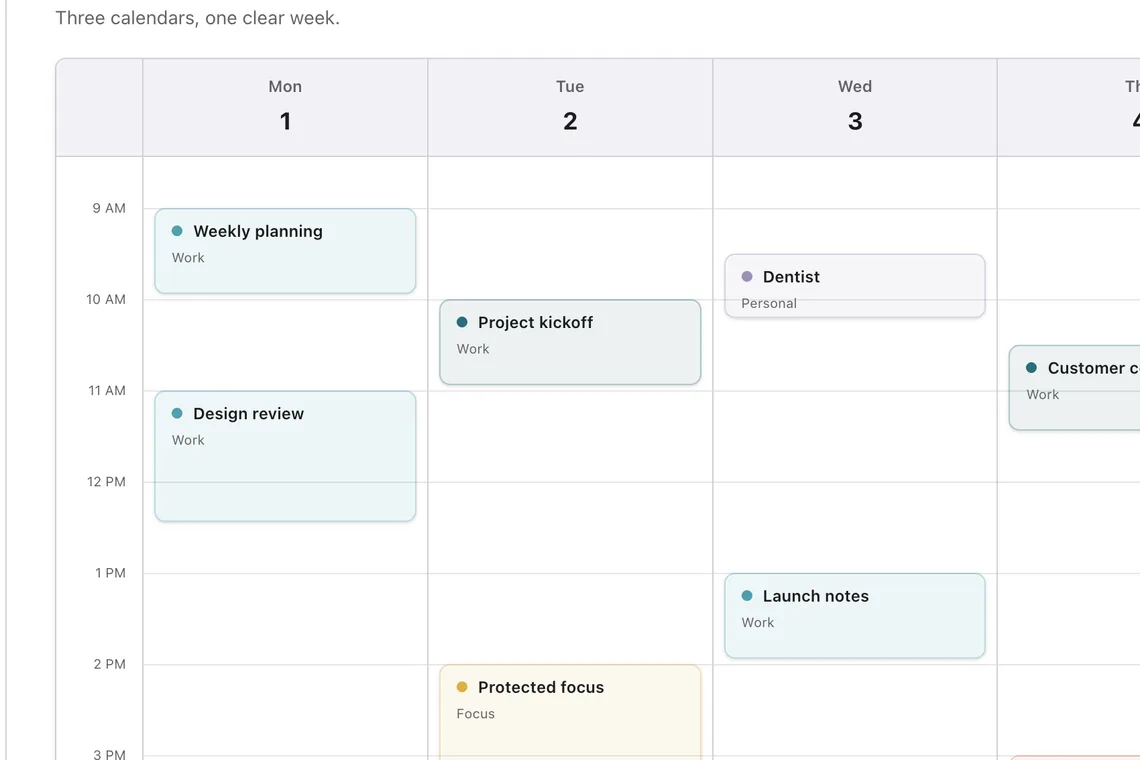
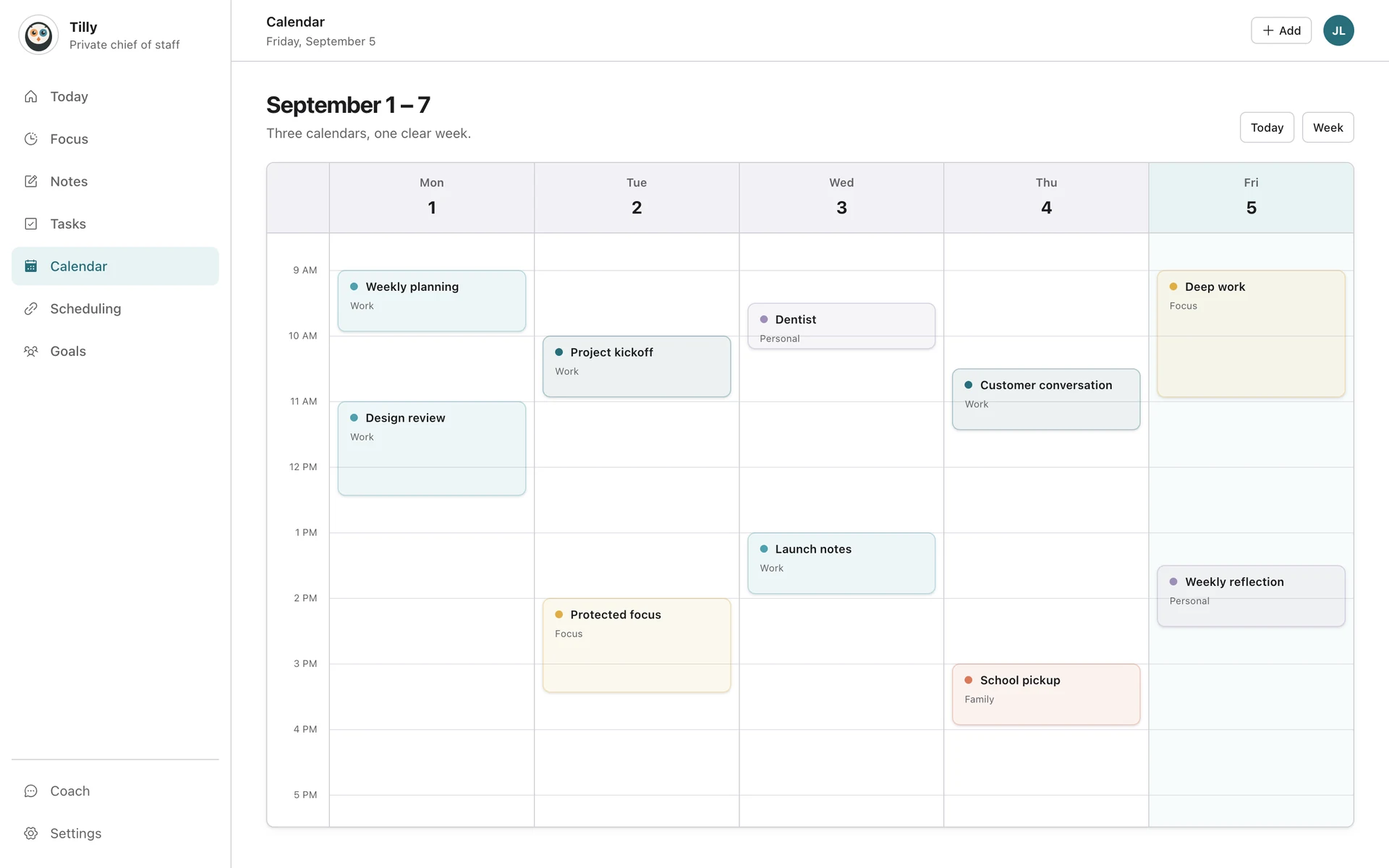
Use the wider view for decisions with consequences.
A week is easier to judge when work, personal commitments, tasks, conflicts, and open time share one frame. The web planner gives those decisions room without turning Tilly into a separate plan you have to maintain.
See tradeoffs before they become conflicts.
Compare the calendars that can claim your time before accepting a meeting, moving an event, or protecting a long focus block.
Resolve the week without rebuilding it.
Review the source calendar and the events around a change. The revised commitment remains part of the same combined plan you use on iPhone.
Keep the daily view small.
Use the web when several days need comparison. Return to Today after the decision so the phone stays focused on what happens next.
Plan on the web, act from the day.
The two surfaces answer different questions. Use the web planner to compare options, then use the iPhone app as the short operating brief once the choice is made.
1
Check the complete week
Show every calendar that affects availability and scan for overlapping commitments, travel, and openings large enough for the work.
2
Make one deliberate change
Choose the correct destination calendar before saving an event or focus block. Avoid duplicate blocks across accounts unless both systems truly need them.
3
Verify it on iPhone
Open Today and confirm that the next event, conflict state, and available time now reflect the decision. If they do not, check the provider connection.
Works offline. Installs as an app.
The web planner is a full client, not a marketing page.
Offline edits
Keep planning without a connection. Changes queue and reconcile when you are back.
Install from the browser
Add Tilly to your dock or home screen as a progressive web app.
Reminders in the browser
Web push for event and task reminders, on the desktop and on the Mac.
Keyboard shortcuts
N for a new event, T for the calendar, and 1 to 4 to switch views.
Open in Mac app
Hand the page to the native Mac app on the same route.
Subscribe on the web
Pro with Apple Pay or card, managed in Tilly billing.
Notes, focus, and people, beside the week.
The same notes, focus sessions, and people you keep on iPhone are here with room to work: write during a meeting, run a timer in the corner, and open a person to see every meeting you have shared.
See Tilly for Mac