Get Tilly
Download Tilly for iPhone or Mac, or open it on the web.
Choose the surface that fits this moment. All three keep your connected calendars and tasks in one clear plan.
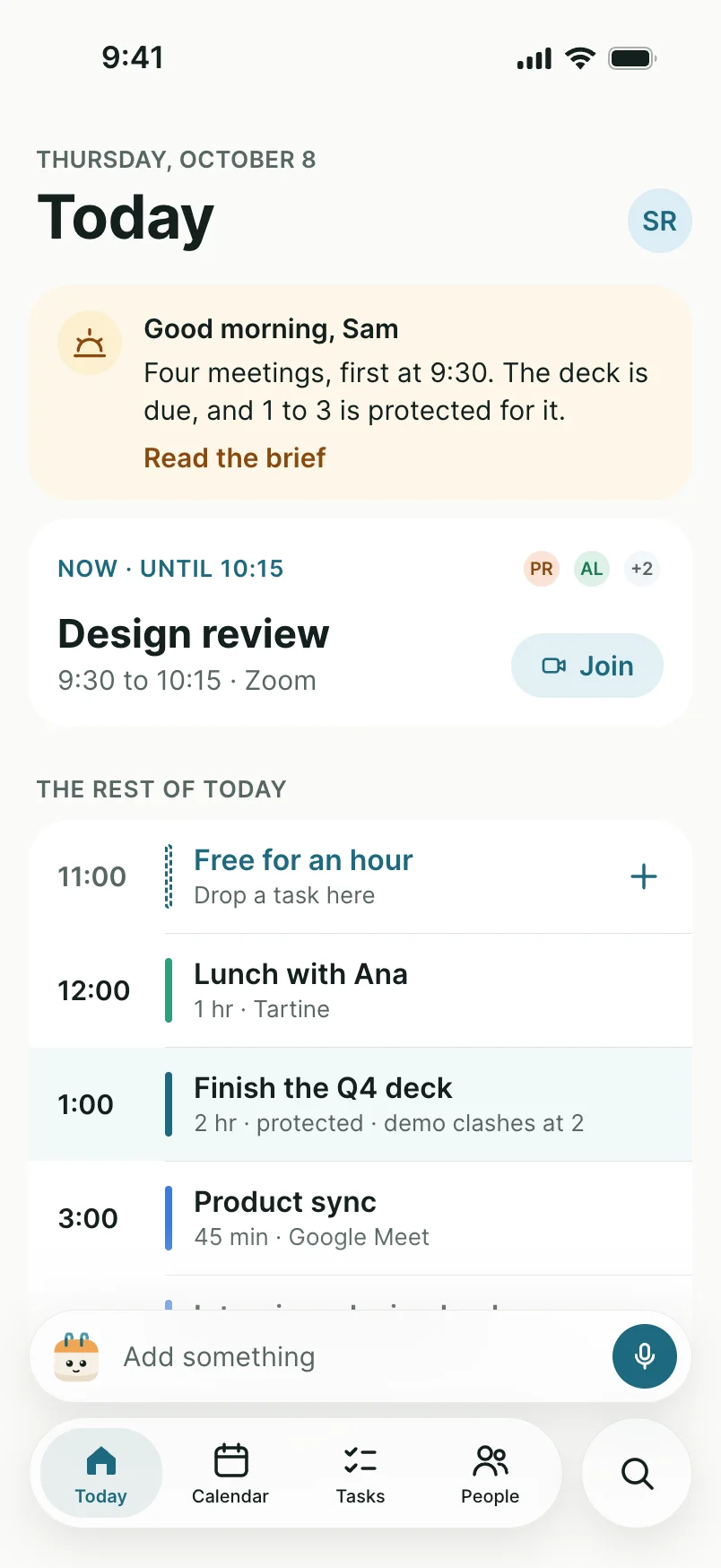
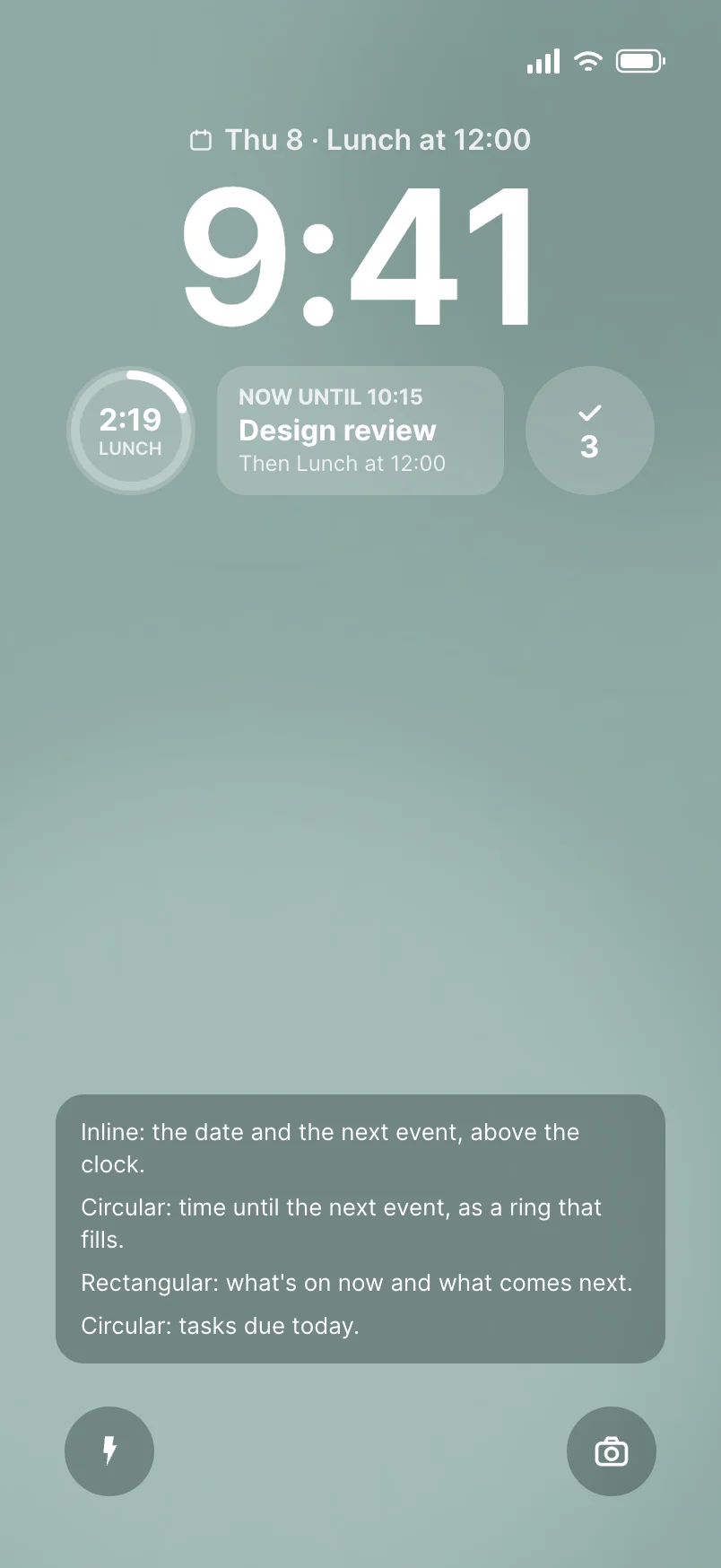
Tilly on iPhone
Capture it the moment you think of it.


Tilly on Mac

Subscribe on the web or in the iPhone app, then sign in on Mac with the same account. Already purchased through Apple? Use Restore purchases.
Restore a Pro purchase
iPhone app
Carry Today with you.
Install Tilly from the App Store for the quickest view of the next commitment, open time, tasks, and schedule conflicts. The iPhone app is the primary daily surface.
Download on the App StoreApple shows the current device requirements, version, privacy details, and any in-app purchases before installation.
Mac app
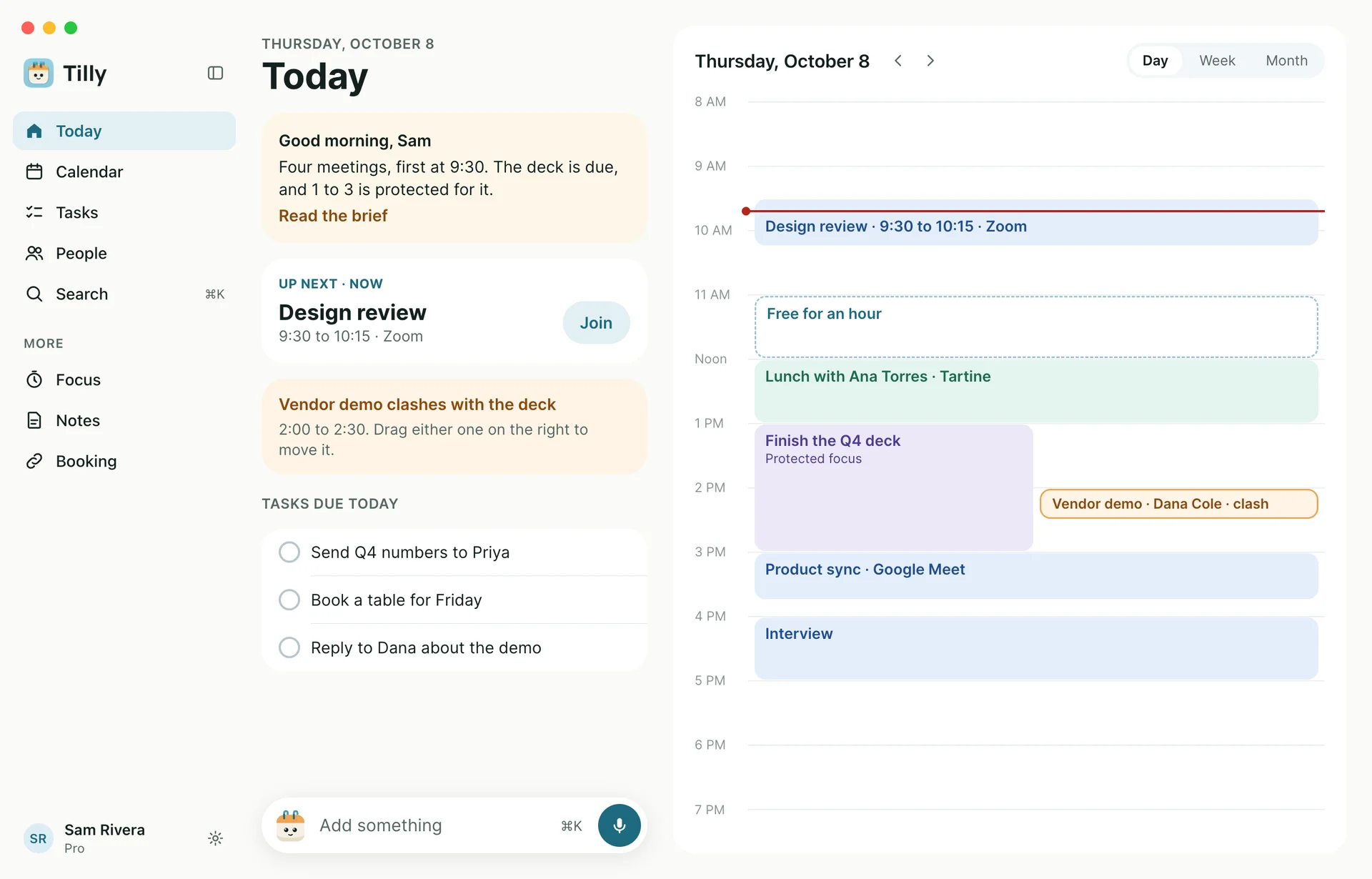
Keep the day one click away.
Install Tilly from the Mac App Store to keep the plan beside the work it describes, with a menu bar view of what is next. The Mac app signs in with the same account as iPhone and the web.
Download on the Mac App StoreRequires macOS 12.0 or later. Apple shows the current requirements, version, and privacy details before installation.
Web app
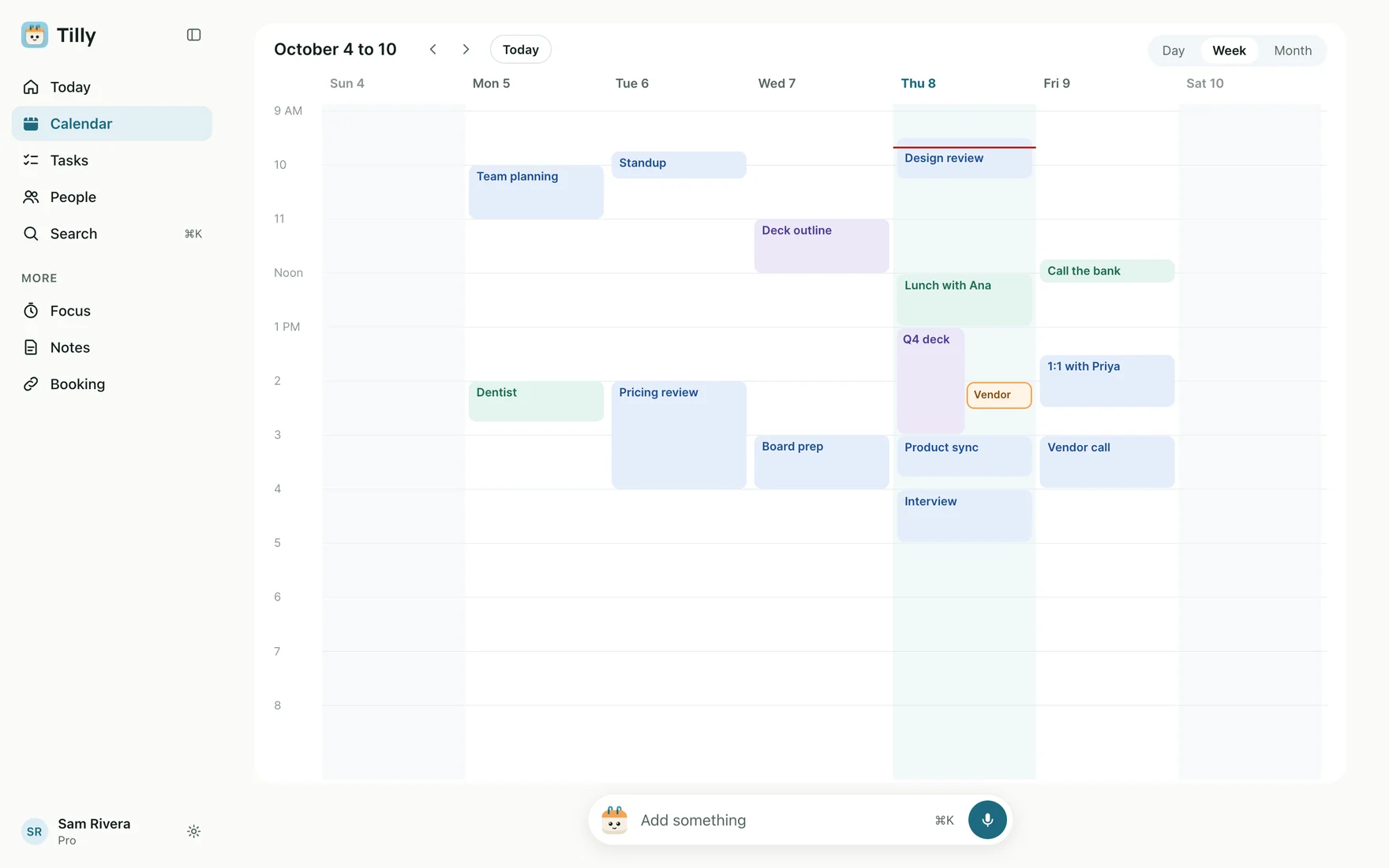
Give the week more room.
Open Tilly in a browser when you want a wider planning view. Use the same account to compare work and personal commitments without copying events between calendar providers.
Open the Tilly web appThe web app requires an internet connection and a supported modern browser. Sign in with the same Tilly account you use on iPhone or Mac.
Start with one trustworthy view.
A useful first setup is small enough to verify. Connect the accounts that actually shape your availability, check their source calendars, and add more only after Today reflects the day you expect.
1. Choose where to begin
Use iPhone for a quick daily view, Mac to keep it beside your work, or the web when you need more room to compare the week. The same account works on all three.
2. Connect calendar accounts
Add the Google, Outlook, and iCloud calendars that affect your availability. Each event remains in its original provider and calendar.
3. Confirm what is visible
Compare Tilly with each source calendar before relying on the combined view. Check shared, read-only, and subscribed calendars separately.
4. Shape Today
Keep the calendars and tasks that influence today visible. Hide background calendars that add noise without changing a planning decision.
Before granting calendar access
Review the provider permission screen and choose the account you intended to connect. Tilly needs calendar access to show the schedule you selected; it does not need you to move private events into a work account just to see them together.