What is a weekly calendar reset?
A weekly reset is a short review of every calendar and task list that can affect the coming week. The goal is to spot conflicts, remove stale commitments, and protect a small amount of important work before new requests arrive.
Fifteen minutes is enough when the reset is a review, not a complete rewrite of the week. You are looking for the decisions that would be expensive to discover late.

Minutes 0 to 3: show every real commitment
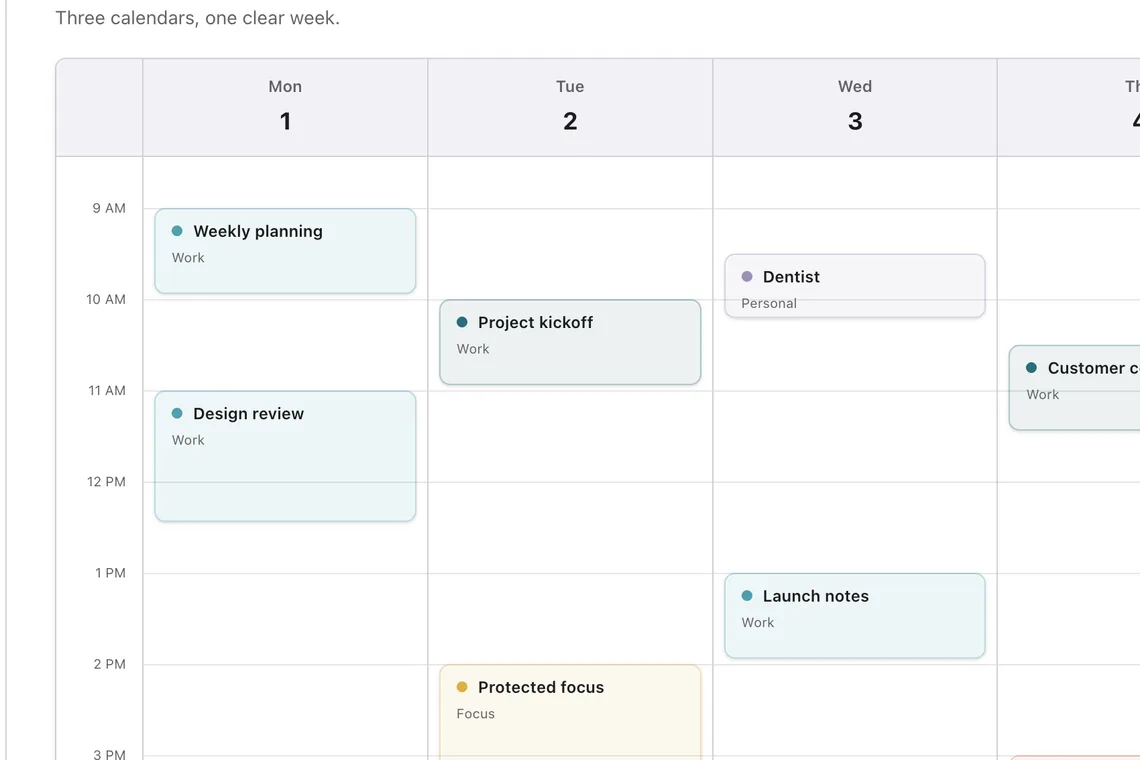
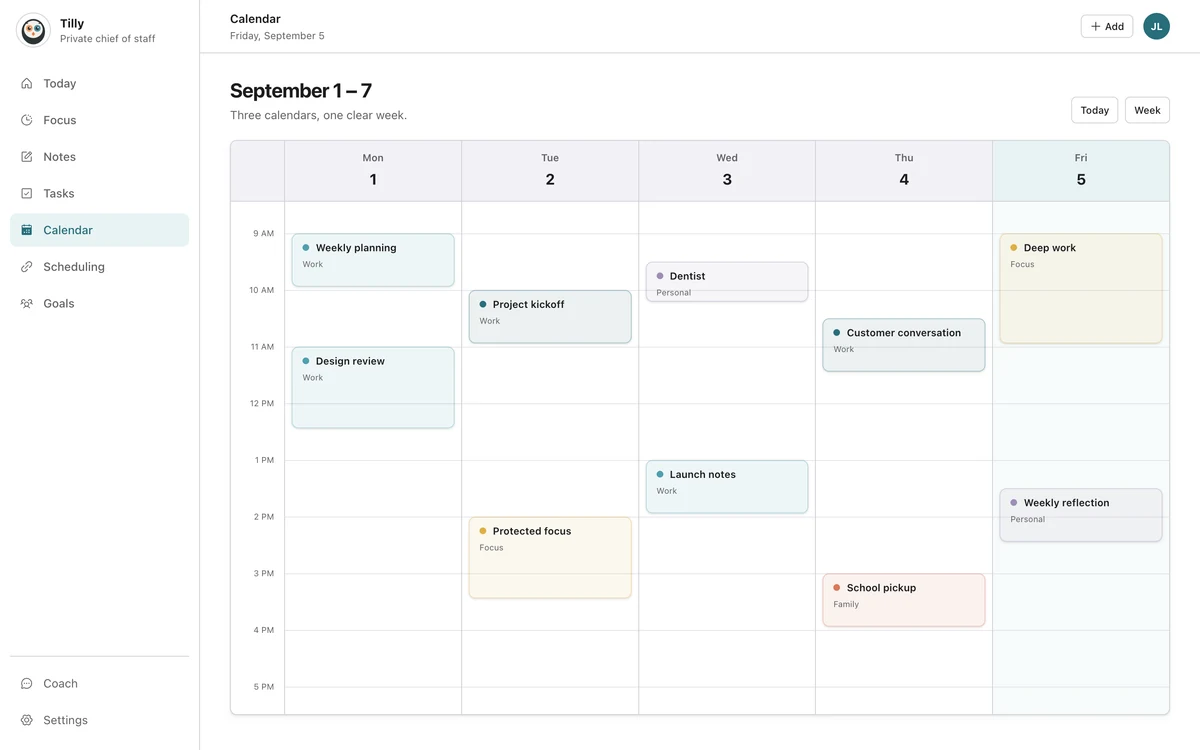
Open one combined week view and turn on the work, personal, family, school, and shared calendars that can claim your time. Include travel and booking calendars if they affect availability.
Scan for commitments that live outside the main account. The forgotten calendar is often the source of a Monday surprise. Do not start moving events yet. First make the week complete.
Minutes 3 to 6: find hard conflicts and tight transitions
Look for overlapping events, impossible travel, and meetings with no preparation room. Mark the conflict that needs another person before you spend time polishing tasks you control alone.
A tight transition is not always a conflict. Two remote meetings can touch. A school pickup and an office meeting cannot occupy the same minute. Add location and travel to the judgment.
Minutes 6 to 9: decide what unfinished work still matters
Review incomplete tasks. Keep an item in the coming week only if it still has a real outcome, owner, or deadline. Move the rest later or remove it. Carrying every old task forward hides the few that deserve time.
For each important task, estimate the smallest useful working block. "Draft opening section, 45 minutes" is easier to place than "work on report." The estimate can be wrong. It still gives the calendar something concrete to test.
Minutes 9 to 12: protect one or two focus windows
Choose the best openings, not every opening. Leave space around demanding days and avoid placing hard work in a gap that contains travel or a likely overrun.
Save focus time to the calendar that the relevant scheduling systems can see. Use a neutral title when the block crosses a privacy boundary. Confirm the block in the provider after saving it.
Minutes 12 to 15: close the loop
- Send the message that can resolve the largest conflict.
- Remove cancelled or duplicate events.
- Confirm the first commitment on Monday.
- Write one sentence that describes the week's main constraint.
- Close the calendar when those items are clear.
The final sentence matters. "Thursday is overloaded, so the proposal needs Tuesday morning" is more useful than a perfectly color-coded week with no stated tradeoff.
What not to do during the reset
Do not rebuild every recurring event, research a new productivity system, or reorganize the complete backlog. Those jobs can have their own time. The reset protects the week from known problems and then ends.
Questions people ask
When is the best time for a weekly reset?
Choose a time when most of the coming week is visible and you can still contact people about conflicts. Friday afternoon, Sunday evening, or Monday morning can all work. Consistency matters more than the exact day.
What if the reset takes longer than fifteen minutes?
Finish the conflict check and schedule a separate cleanup. A long reset often means old tasks or unused calendars need a one-time repair.
Should I plan every task on the calendar?
No. Put tasks on the calendar when they need protected time or a specific deadline. Keep smaller or flexible work in a short task list beside the schedule.