Can Google, Outlook, and iCloud calendars share one view?
Yes. Use a calendar app that connects directly to Google Calendar, Microsoft Outlook, and iCloud. Add each account, select the individual calendars you want visible, and open the combined day or week view. The events can remain in their original provider accounts.
A connected view is usually more reliable than importing files because it continues to receive changes. An ICS import is a snapshot. A subscribed feed may be read-only and refresh on a delay.

Decide whether you need a view or a copy
Choose a view when you need to plan the day, find open time, or see overlaps. Choose a copy only when a separate system must own a new record or needs availability that it cannot read from the original account.
Copying adds responsibility. You need to know which record is authoritative, how edits travel, what happens after deletion, and whether private details cross into another account.
Connect the account that owns each calendar
Add the Google account for its personal, project, or shared calendars. Add the Microsoft account for Outlook or Microsoft 365 schedules. Add the Apple Account that owns the iCloud calendars.
If you use two accounts from the same provider, connect both. A work Google account and personal Google account are separate sources even though the logo is the same.
Select calendars instead of showing everything
Start with calendars that affect whether you can say yes to a time. Hide old projects, rooms, release feeds, holidays, and birthdays when they crowd the view without changing the decision.
You can bring a hidden calendar back later. Selection is part of maintaining a readable system, not a permanent deletion.
Use Tilly as the combined calendar view
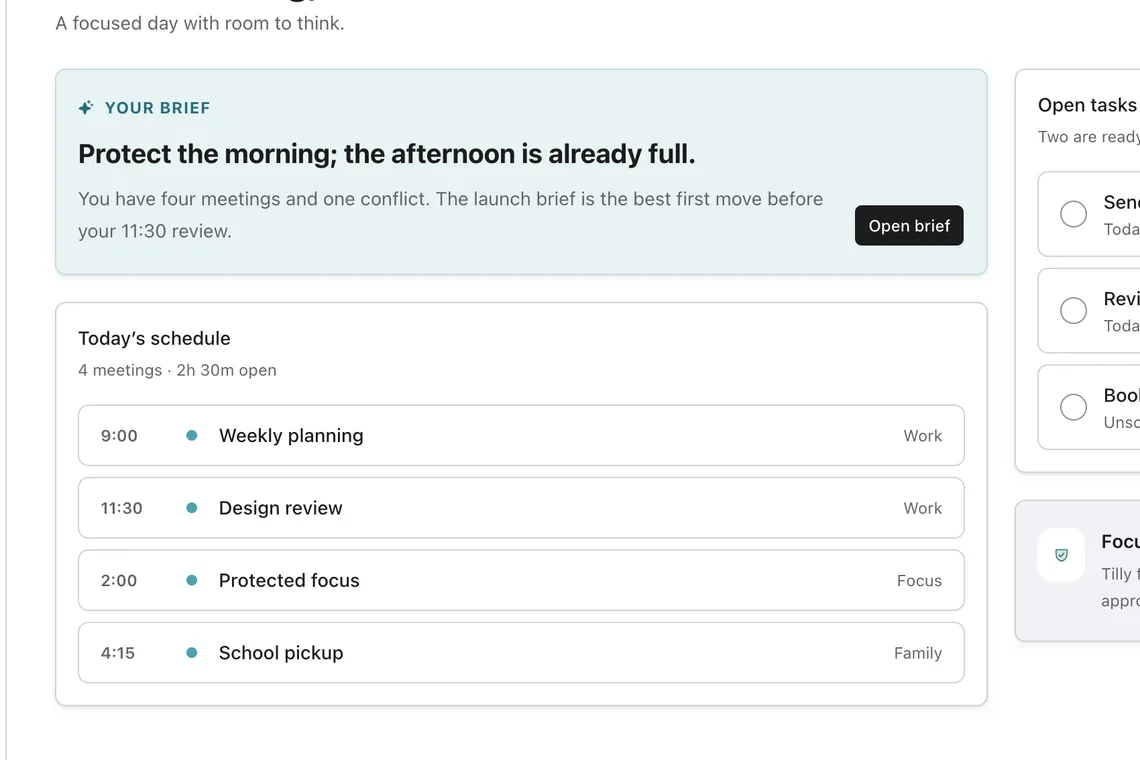
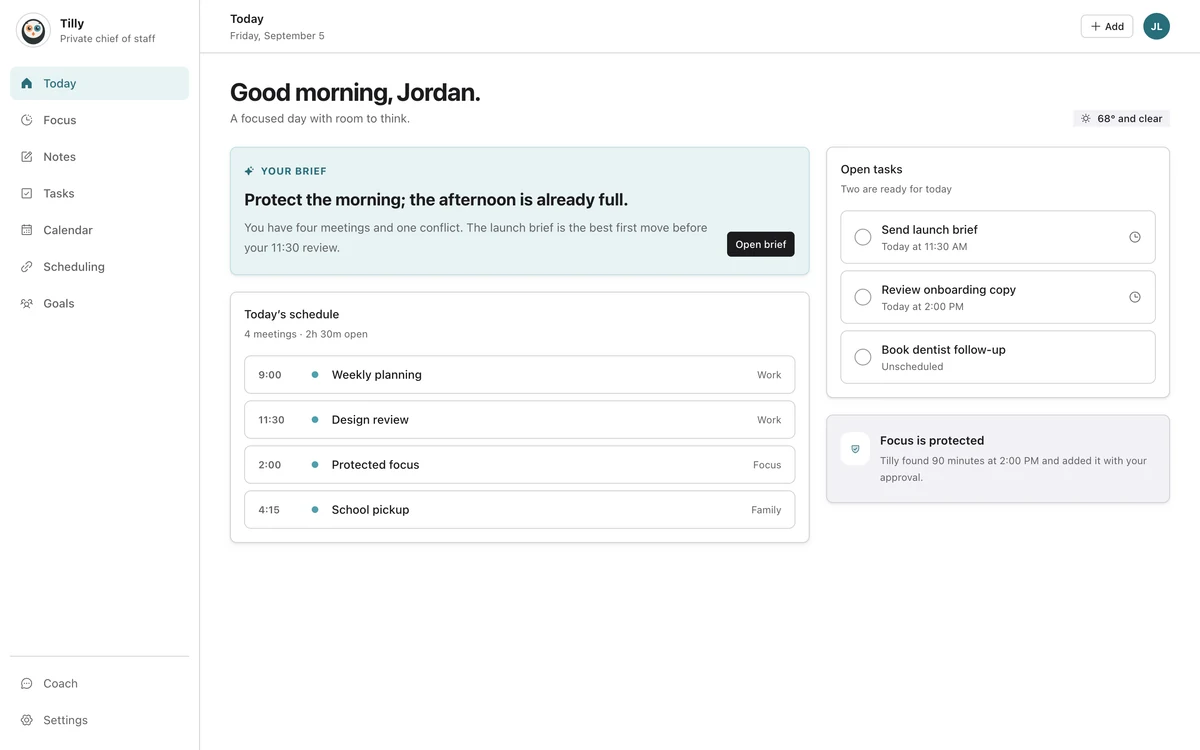
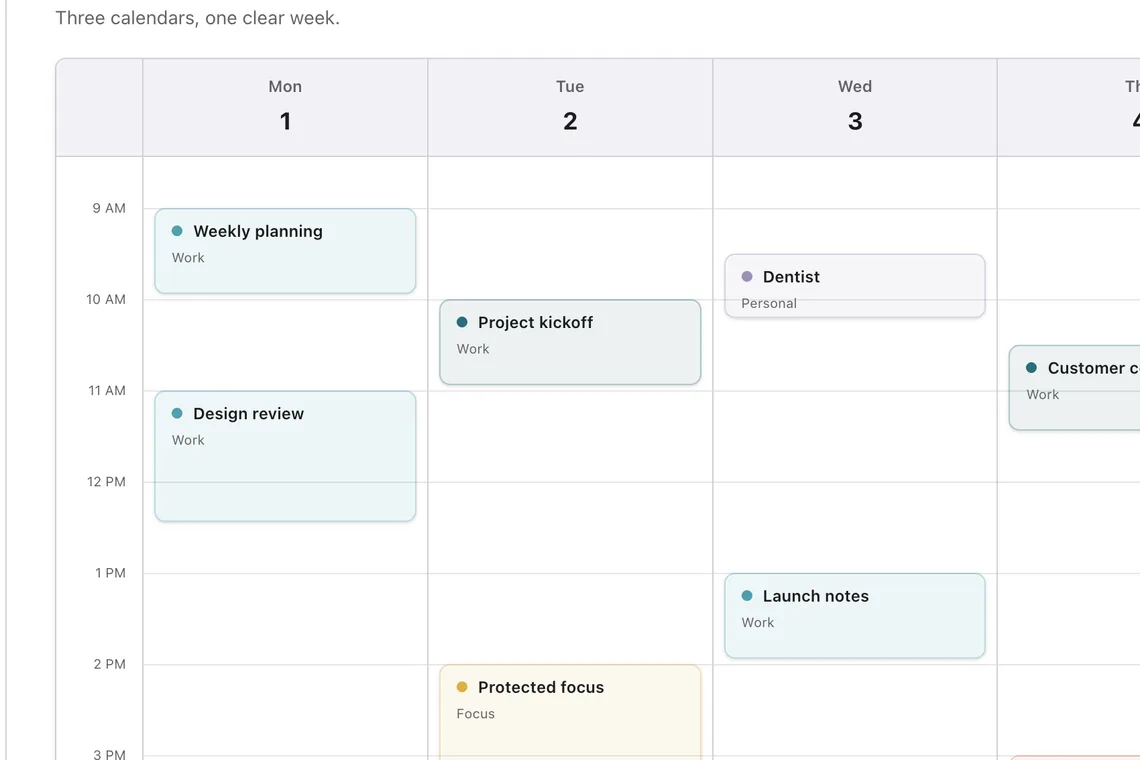
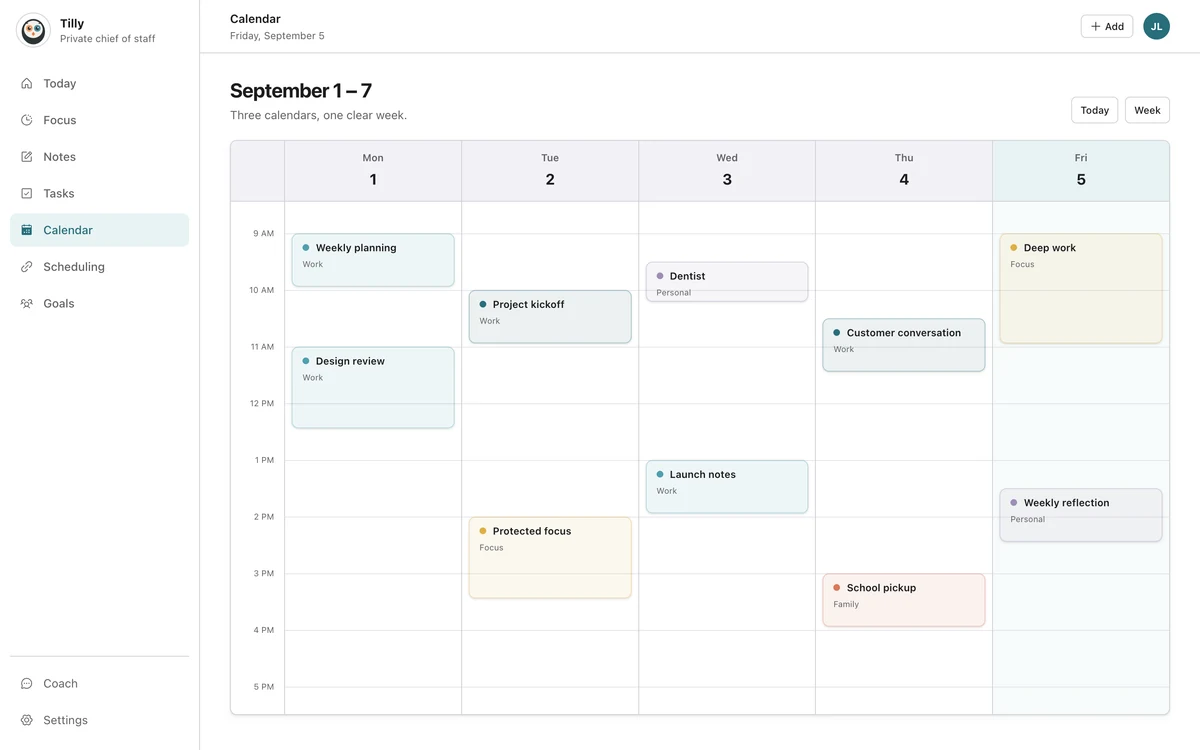
Tilly connects with iCloud, Google Calendar, and Microsoft Outlook. Today brings the immediate commitments together. The calendar view gives the wider day or week enough room to compare. That division follows the product reasoning in building across iPhone and web without shrinking either.
Each event keeps its source identity. That matters when you edit, disconnect an account, or need to understand why a shared calendar is read-only.
Test edits and permissions
- Create one harmless test event in each provider.
- Confirm that all three appear in the combined view.
- Move each event and check the updated time.
- Try an edit only where you expect edit permission.
- Delete the tests from their owning providers.
A calendar can be visible without being editable. Shared, subscribed, and company-managed calendars often have restrictions. Keep important changes in the provider that owns the record unless the connected app clearly supports the edit.
Handle a restricted Microsoft 365 account
An organization may require administrator approval or block third-party calendar clients. If Microsoft refuses the connection, ask which approved apps or sharing methods are allowed. Do not publish the work calendar publicly. A useful app should provide enough connection context without developing a data appetite.
If the approved option is a read-only feed, expect slower updates and test how much detail it contains. Treat the delay as part of the setup when checking a recently moved meeting.
Keep the view trustworthy
Review account status and visible calendars once a month. Remove feeds you no longer use. Reconnect an account after a password or permission change. A smaller complete view is more dependable than a large collection of forgotten sources.
Questions people ask
Does Apple Calendar show Google and Outlook accounts?
Apple Calendar can connect to several providers on Apple devices. The exact features, shared-calendar support, and web experience differ by account type. Test the providers and devices you actually use.
Is subscribing the same as connecting an account?
No. A subscription usually reads a published feed and may update slowly. A direct account connection can provide fresher data and clearer permissions, subject to the provider.
Why did a moved event not update everywhere?
Check whether the source is a delayed subscription, whether the account connection expired, and whether the event was edited in the owning provider. Refresh the connection before creating a duplicate.