How do you combine work and personal calendars?
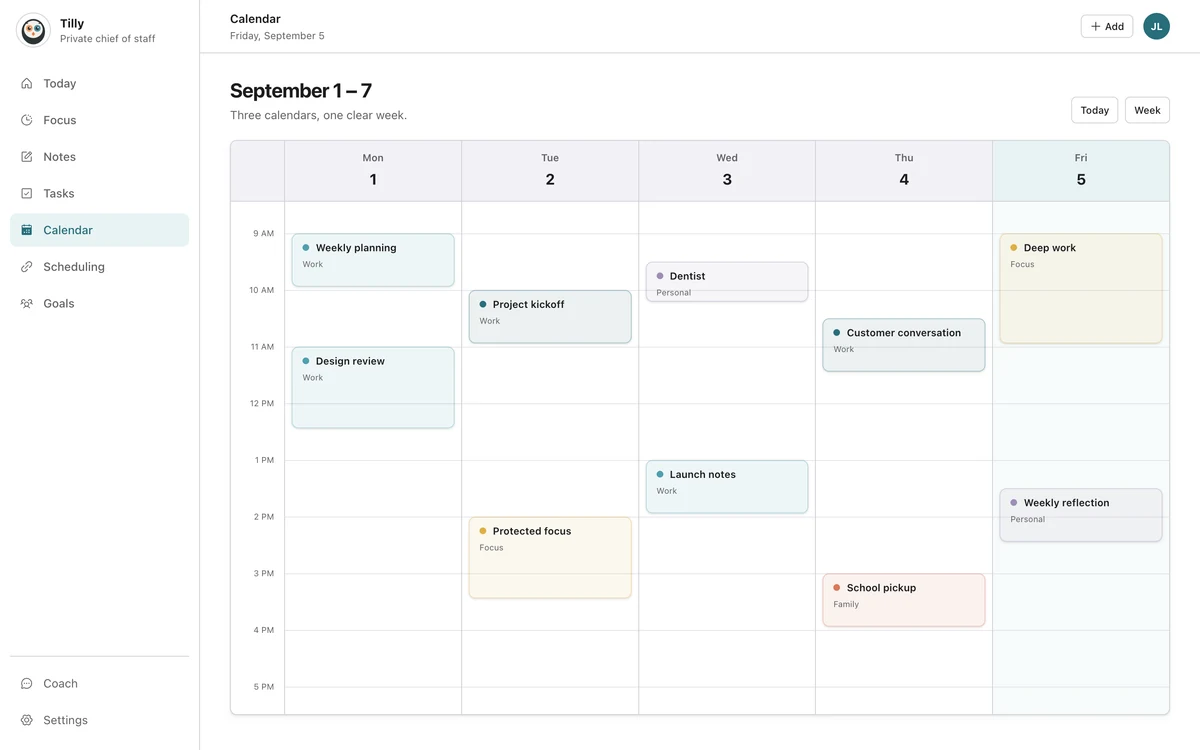
Connect each calendar account to an app that supports the providers you use, select the calendars that affect your availability, and check one combined view before you accept or create a commitment. Keep events in their original accounts unless you have a specific reason to copy them.
This setup gives you one place to plan without turning a personal appointment into a work record. The combined view can show that time is occupied while the private title, guests, notes, and location remain in the personal calendar.

Merge, sync, subscribe, or combine?
People use these words for different setups. A combined view displays several connected calendars together. A subscription adds a feed that is often read-only and may update on a delay. An import copies a snapshot. Two-way sync creates or updates records across accounts.
Start with a combined view. It is the lightest option and preserves ownership. Add copying or synchronization only when another system must see the event or availability and a shared view cannot solve that need.
List every calendar that can claim your time
Write down work, personal, family, school, volunteer, booking, and shared calendars. Include calendars you can view but do not own. The account you forget is usually the one that creates a conflict later.
For each calendar, note the provider, owner, purpose, and whether you can edit it. This exposes duplicate accounts and read-only feeds before they become confusing in the combined view.
Connect accounts without moving the events
Add the Google, Microsoft, and Apple accounts that own the records. If work and personal schedules use two Google accounts, connect both rather than importing one into the other.
After connection, choose individual calendars. Holiday feeds, birthdays, old project calendars, and resource schedules can make the combined view harder to read without changing your availability. Hide them unless they matter to a decision.
Keep private details in the original account
A personal event does not need to reveal its title to an employer. Leave the event in the personal calendar and use the combined view for your own planning.
If a workplace booking system needs to know you are unavailable, create or share a neutral busy block only when provider settings and company policy allow it. Test exactly which fields cross the boundary. Never publish a confidential work calendar as a shortcut.
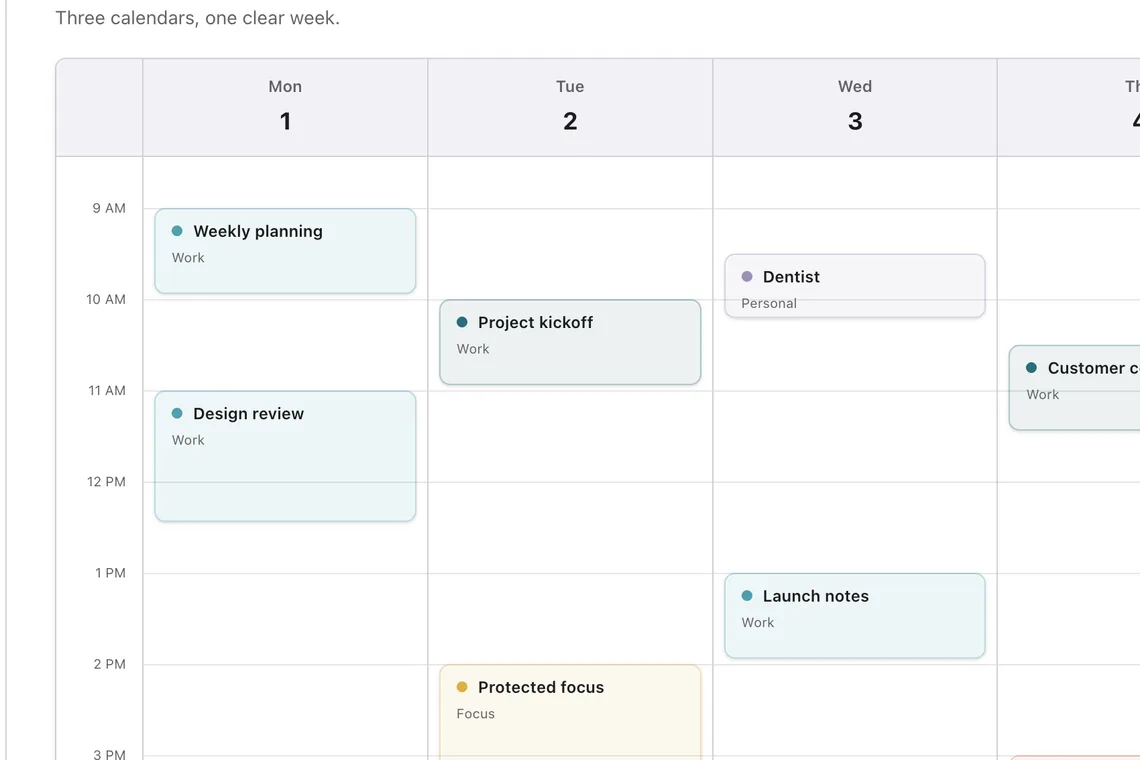
Choose colors that answer a question
Color should help you identify ownership or context without opening an event. Work, personal, and family calendars may deserve strong separation. A low-priority subscribed feed can stay quieter. Once ownership is clear, name the open time between commitments so the empty space becomes useful planning context.
Do not depend on color alone. Calendar names and event details should still identify the source for people with color-vision differences and for moments when several colors look similar.
Build a conflict check into the habit
Before accepting a meeting, check the combined day, not only the account that received the invitation. Include travel and preparation around the events. Two meetings that touch may be fine online and impossible across town.
Tilly Pro surfaces overlapping events and recommends what to move. A combined view helps either way, because every selected calendar is visible in one checkpoint. The habit matters as much as the alert. We wrote up how we decided which conflict tools belong in a paid plan in what we learned building Tilly Pro.
Test the setup before a busy week
- Create a temporary event in each provider.
- Confirm that every test appears in the combined view.
- Move one event and check that the new time arrives.
- Verify which calendars are read-only.
- Delete the tests and confirm they disappear.
Testing catches a hidden calendar, expired connection, or delayed feed before you depend on it. Repeat the check after changing jobs, replacing an account, or accepting a new shared calendar.
Questions people ask
Can I combine Outlook and Google Calendar without sharing details?
Yes, if the app connects to both accounts and displays them locally in one view. Details cross accounts only when you publish, share, copy, or synchronize records.
Should I copy personal events into my work calendar?
Usually not. A neutral busy block may be enough when coworkers need your availability. Keep the original personal record in the personal account and follow workplace policy.
Why is a calendar missing from the combined view?
Check that the account is connected, the individual calendar is enabled, and the provider still grants access. Shared and subscribed calendars may also refresh more slowly than a direct connection.
How often should I review connected calendars?
Review them monthly and whenever an account or job changes. A fifteen-minute weekly reset is enough to remove old feeds and confirm that the calendars affecting real decisions still update.