Why should a calendar app feel different on iPhone and web?
The devices create different planning moments. An iPhone is usually opened between activities, often with one hand and little time. A web calendar is more likely to be used while comparing several days, accounts, or tasks. The information should stay consistent, but the interface should respect the distance and attention each device gets.
Making both surfaces identical would be easier to explain and worse to use. A compressed desktop week is difficult on a phone. A stretched mobile list wastes the room that makes the web useful.
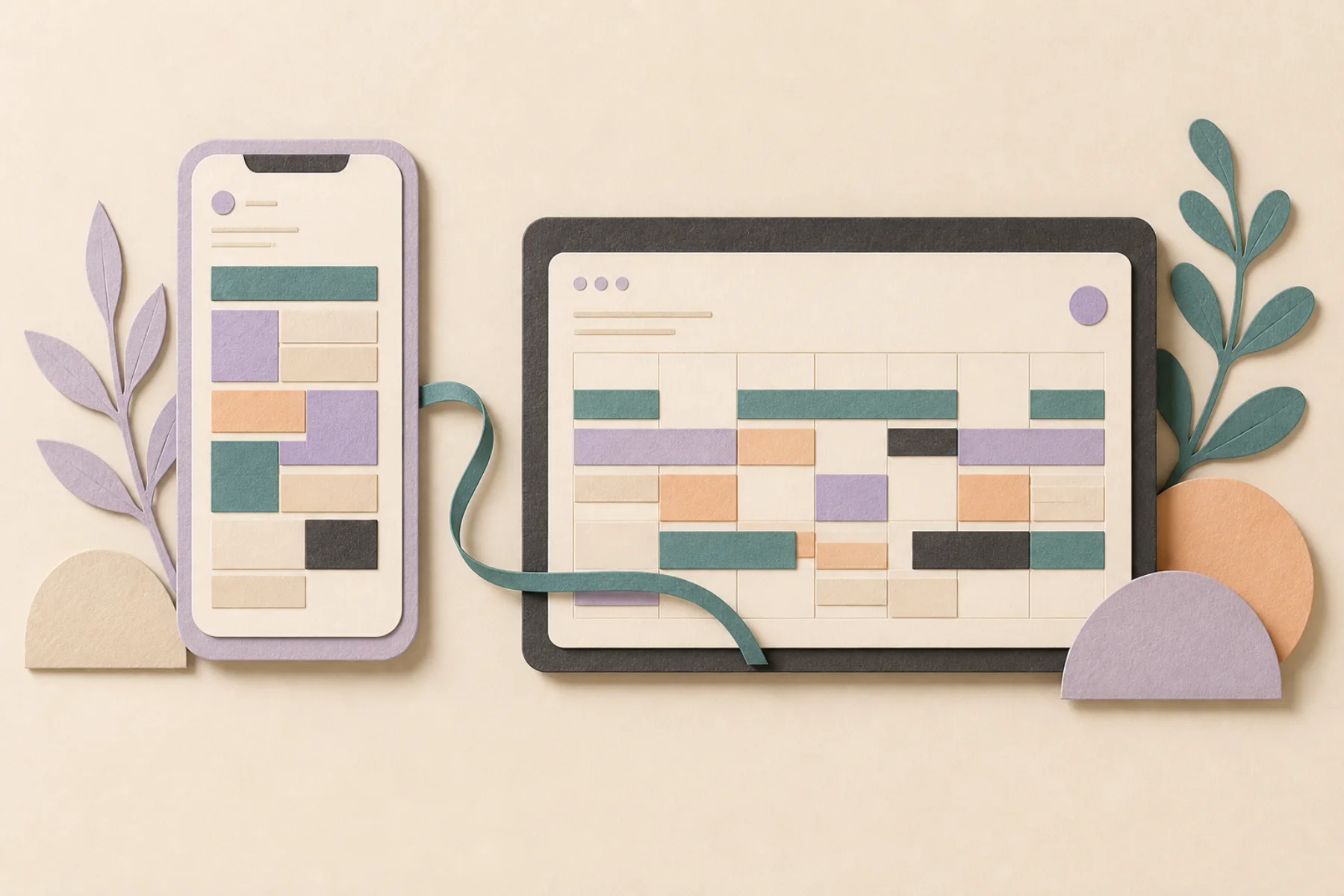
Give the iPhone the immediate decision
The phone should answer what happens next and what needs attention now. Touch targets need room. Important actions should not depend on hovering. The main state should survive a quick glance in a hallway, on a train, or between calls.
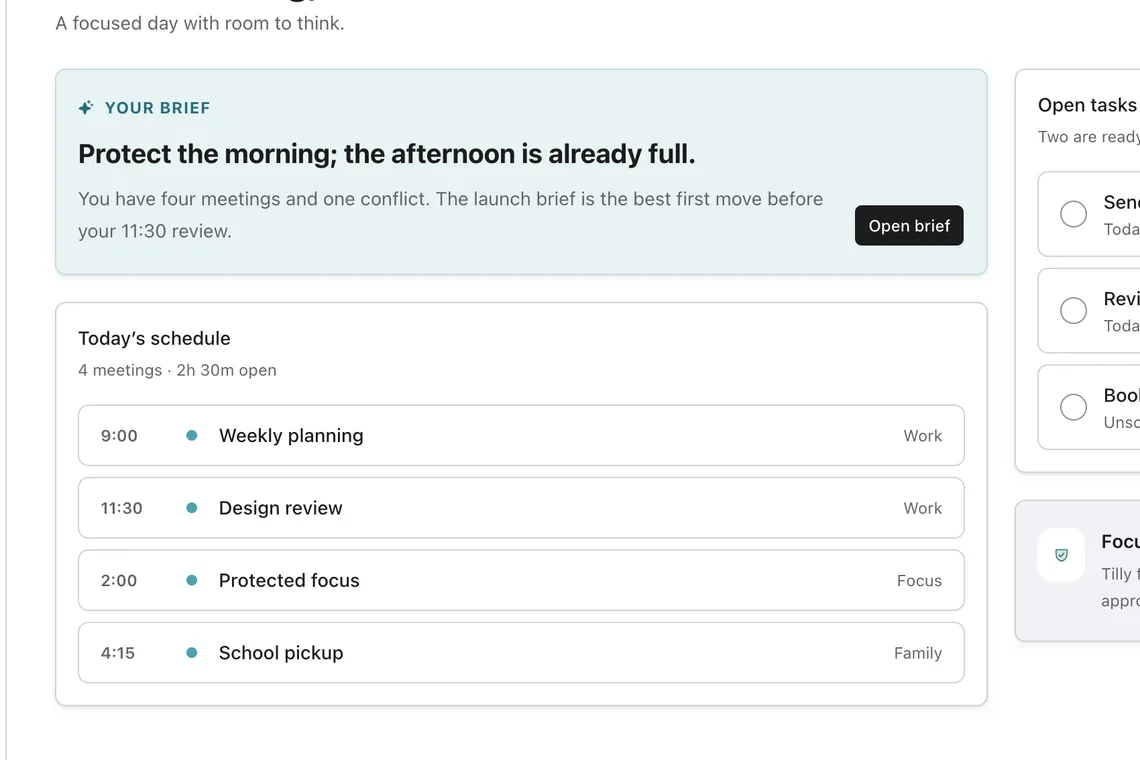
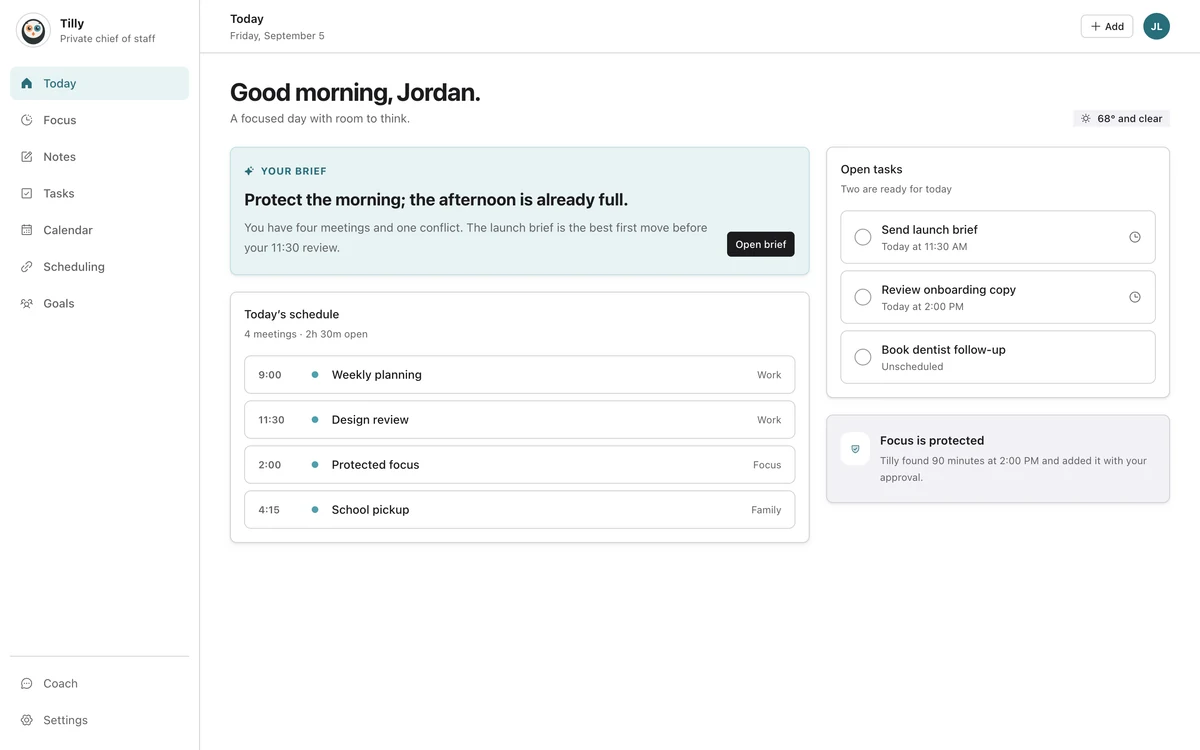
Tilly centers Today on iPhone because the daily brief is the common starting point. The full calendar remains available, but it does not have to carry every decision on the first screen.
Let the web compare
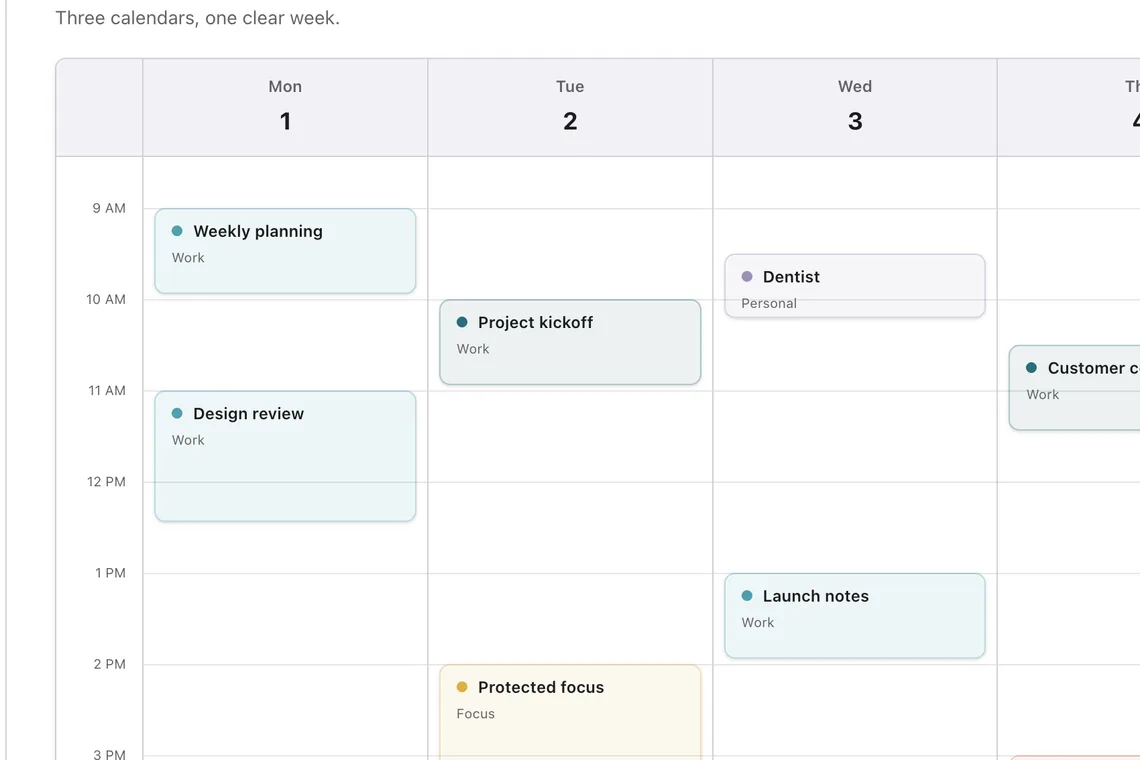
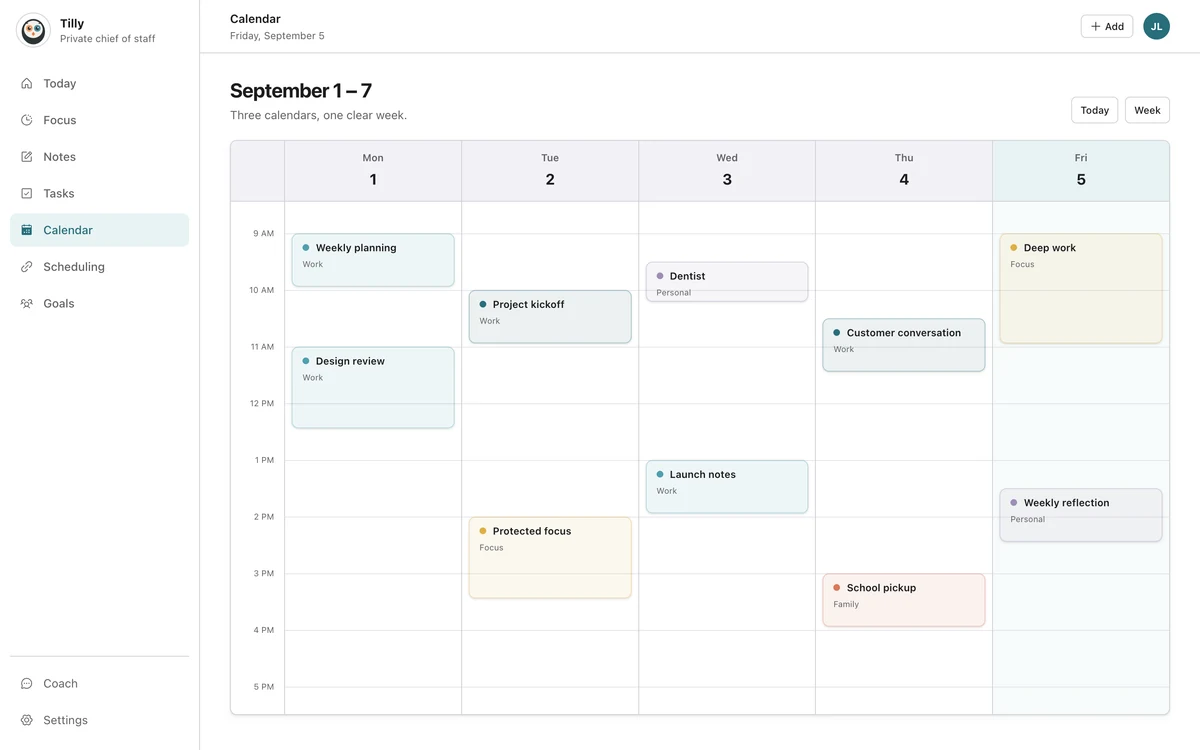
A wider screen can show several days without turning every event into a sliver. It can keep a task list beside the schedule, reveal open windows across the week, and make calendar colors easier to compare.
The web planner should still have a clear hierarchy. More room is an invitation to compare, not a reason to display every setting and historical detail at once.
Share state, not every interaction
An event added on one device should appear on the other. A completed task should stay complete. Connected accounts and visible calendars should not feel like separate setups.
The controls can differ. Dragging an event works naturally with a pointer. A phone may use a sheet with explicit start and end controls. Consistency means the outcome and terminology agree, not that every gesture is copied.
Design around interruption
Mobile sessions are short because life interrupts them. A draft should not disappear because the app moved to the background. A destructive action should be hard to trigger by accident. The current day and next event should return without a search.
Web sessions have interruptions too, but they often involve switching tabs or comparing another source. Keeping the selected week and relevant context stable matters more than preserving a mobile navigation stack.
Use the same words everywhere
If the phone calls a feature "Protect focus time," the web should not call the same action "Create work block." Shared language lowers the cost of moving between devices and makes support instructions easier to follow.
The same rule applies to calendar names, account labels, conflict states, and plan status. A person should not have to translate the product while already translating a busy schedule.
Questions people ask
Does a calendar app need feature parity across devices?
Core data and important outcomes should match. Every secondary control does not need to launch on both devices at the same time. The missing feature becomes a problem when it breaks a common task or makes the shared schedule unreliable.
Which device is better for weekly planning?
A web or desktop view is usually better for comparing several days because it has more horizontal room. The phone is better for checking and adjusting the plan while the day is moving.
Why build a web app if the product is mobile-first?
Mobile-first names the primary moment, not the only useful one. Some planning decisions need a wider view. The web can support those decisions without replacing the iPhone as the daily center.