What should a calendar help you do?
A calendar should help you understand what is fixed, what can move, and what deserves attention next. When those answers are clear, the useful thing is to close it. A planning tool that keeps asking for cleanup has confused activity with value.
That standard sounds modest. It is surprisingly hard to meet. Most calendars are excellent records of commitments, but a record is not the same as a decision. People still have to scan several accounts, notice overlaps, remember travel, and decide whether an empty hour is actually usable.

The invisible admin tax of a busy calendar
Calendar work arrives in pieces. A meeting moves by thirty minutes. A family appointment lands on the workday. A task needs a real place instead of another reminder. None of these changes feels large, but each one starts another round of checking.
The tax is the number of decisions between the change and a trustworthy plan. Which account owns the event? Can the next meeting move? Is the opening long enough for focused work? Does a booking page know about the personal commitment? A tool earns its place when it removes some of those decisions or puts the necessary facts beside them.
More time in a calendar is not evidence of better planning. The useful measure is how quickly you can trust the plan and return to the day.
Give the day a definition of done
A to-do list can end when the work is complete. Planning needs a different stopping rule because the future will always contain uncertainty. The rule can be simple: the next commitment is clear, urgent conflicts have an owner, and the important work has a plausible place.
Once those conditions are true, more rearranging often produces smaller returns. Changing colors, testing another layout, or moving the same task for the third time may feel productive, but it does not change what you can do next.
A good daily view should make that stopping point visible. It should not hide the full calendar. It should keep the wider schedule one step away and bring it forward only when the decision needs more context.
Notifications have to earn the interruption
An alert is useful when it changes a decision. A conflict warning before you accept a meeting can save a repair later. A reminder that repeats information you already saw adds another interruption without reducing uncertainty.
This is why notification count is a poor proxy for helpfulness. The better question is whether each alert arrives early enough to matter and contains enough context to act. If not, it belongs in a quieter summary or nowhere at all.
How Tilly approaches the stopping point
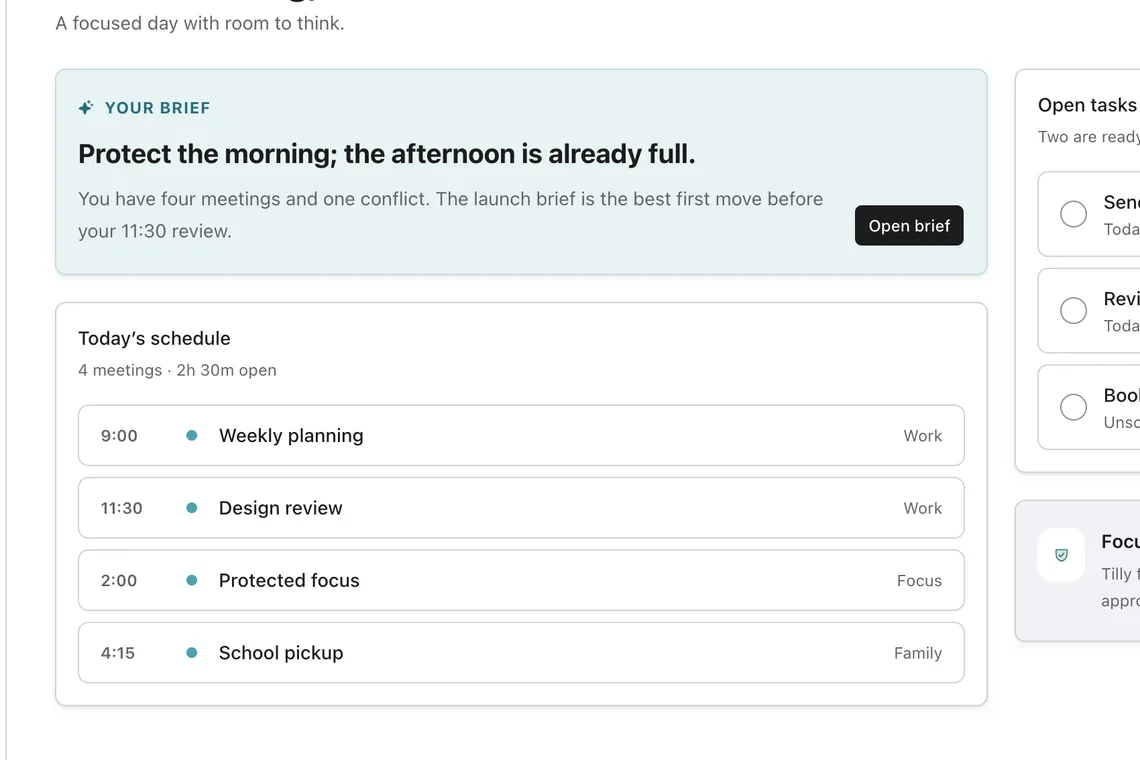
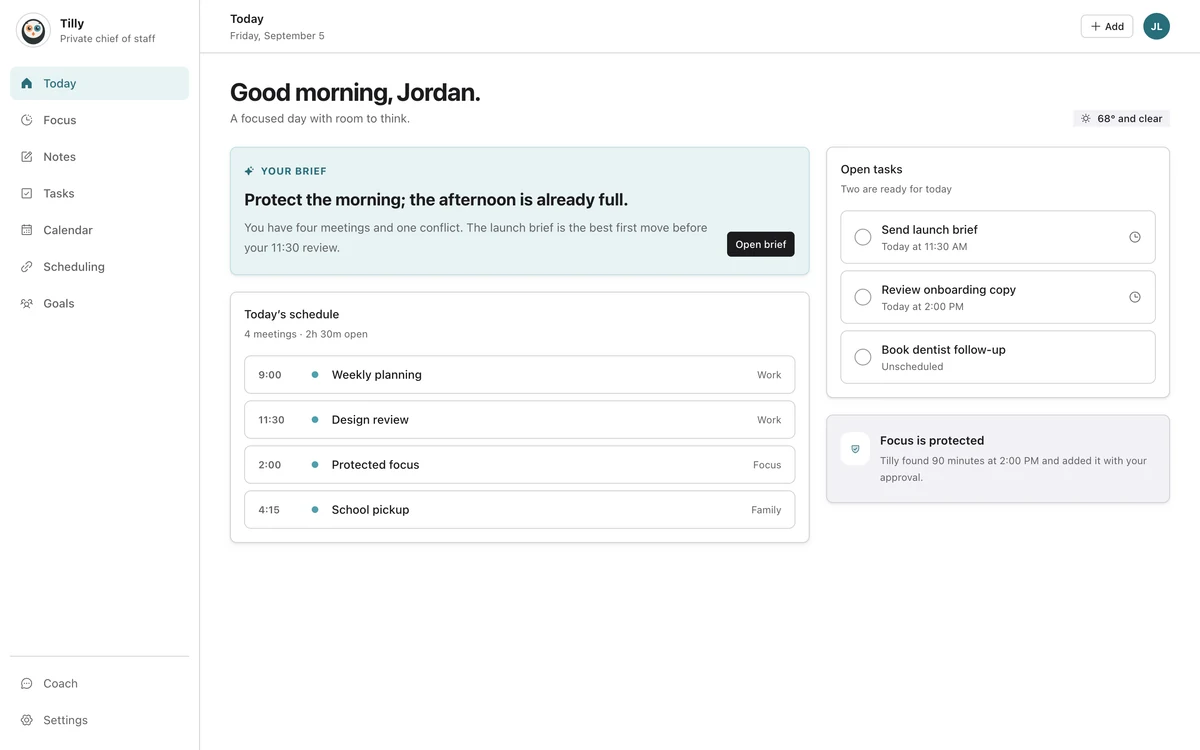
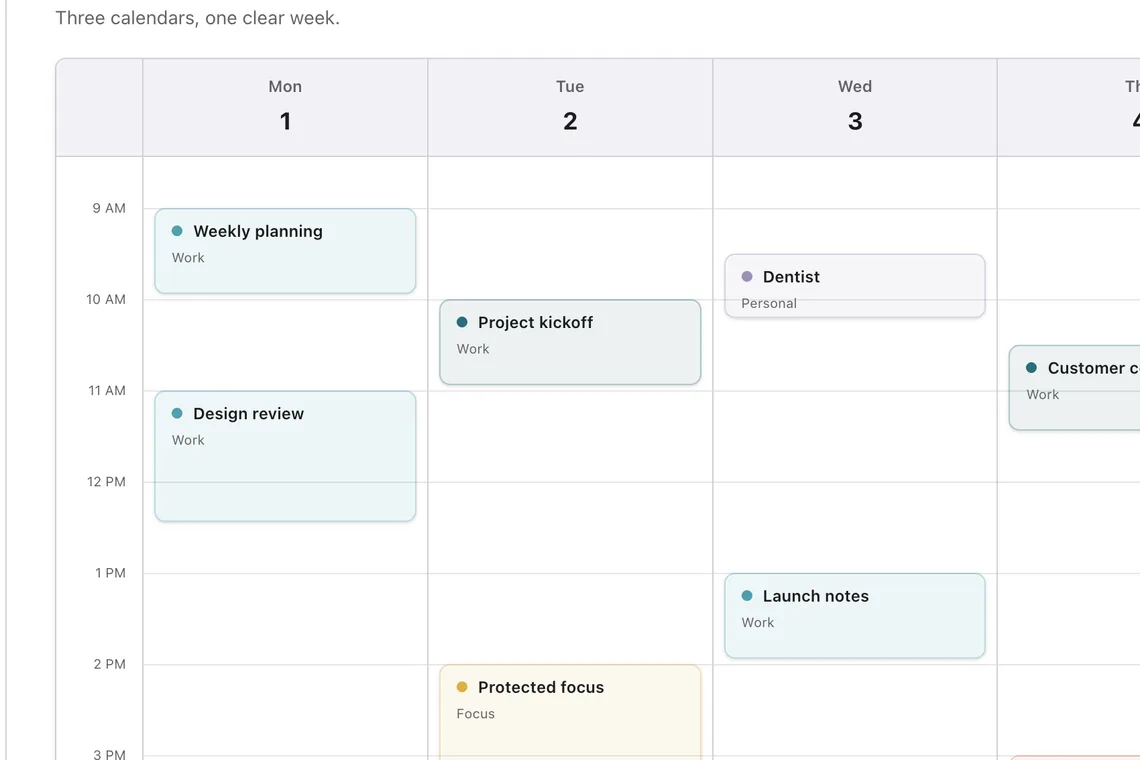
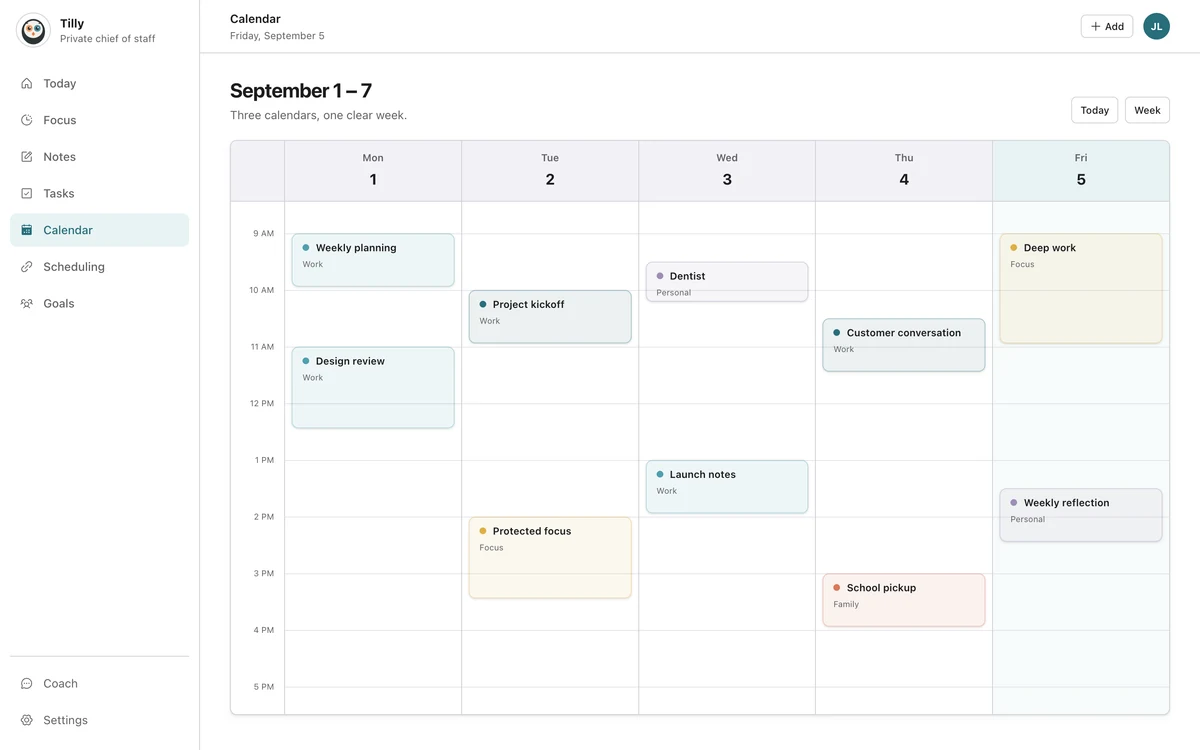
Tilly puts the immediate day first. Today shows the next event, tasks that need attention, conflicts, and open time. The calendar view keeps the complete schedule nearby for decisions that span several days or accounts.
The product does not need to fill every open minute. It needs to show when an opening exists, protect it when you choose, and confirm actions before they change a calendar. That is the boundary behind Tilly’s AI chief of staff for the day: the user remains responsible for the judgment while Tilly reduces the searching and switching around it.
A five-minute test for any calendar app
- Connect the accounts that can claim your time.
- Open the daily view without changing its default filters.
- Find the next fixed commitment and the largest real opening.
- Check whether an overlap is visible without opening another app.
- Close the calendar and explain the plan in one sentence.
If the last step is hard, the tool may be showing plenty of data while leaving the planning work to you. That can still be useful, but it is worth naming the tradeoff.
Questions people ask
How often should I check my calendar?
Check it when the answer can change what you do: at the start of the day, before accepting a commitment, and after a meaningful schedule change. Constant checking usually means the view is not earning your trust.
Should a calendar automatically schedule every task?
Only if that operating model matches your work. Automatic scheduling can help with a large task backlog. It can also create churn when priorities change often. A lighter tool can show open time and let you decide what belongs there.
What is the sign that planning is finished?
You know what happens next, you can see the main conflict or tradeoff, and the important work has a realistic place. Then close the calendar. The day is the point.