What makes a calendar subscription worth paying for?
A paid calendar feature should save a decision, prevent an expensive mistake, or support a schedule the free product cannot represent. A longer feature list is not enough. The daily experience still has to become clearer.
Our first month of Tilly Pro sharpened that standard. It pushed us to separate capabilities that look impressive in a comparison table from the ones that help when someone is deciding whether to accept a meeting, protect an hour, or trust the day.

Multiple connections solve a real-world shape
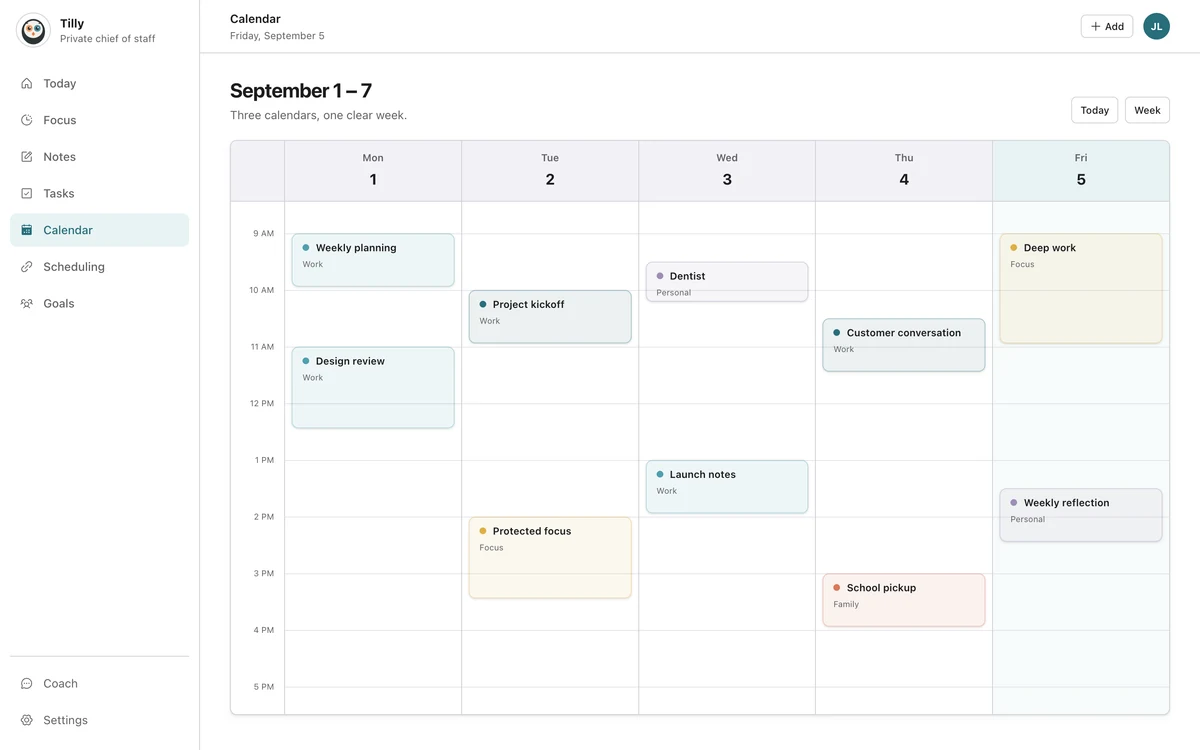
People do not organize life around one provider. Work may live in Microsoft 365, personal plans in Google Calendar, and family events in iCloud. Some people also have more than one account with the same provider.
Supporting that mix is not valuable because the connection count is larger. It is valuable because an incomplete schedule creates bad availability decisions. Pro should help represent the real day without forcing events into the wrong account.
Conflict tools need to arrive before the repair
A conflict is useful information while a meeting can still move. After two people are waiting in different places, it is merely an explanation. This changes how we think about detection and presentation.
The alert needs the overlapping times and enough calendar context to identify the commitments. It does not need to expose every private note. It should help the user choose which event is flexible, then get out of the way.
Focus protection should remain a choice
Finding open time can remove scanning work. Protecting that time changes a calendar, so the final step should be explicit. The user should see the duration, title, and destination account before saving.
This balance matters for the broader AI chief of staff direction. Preparation can be proactive. Calendar writes need a clear boundary. A product can feel helpful without pretending it has better judgment than the person living the day.
Paid depth cannot make the daily page noisy
A common subscription trap is giving every new capability a permanent place in the main interface. The paid product then feels busier precisely because it can do more.
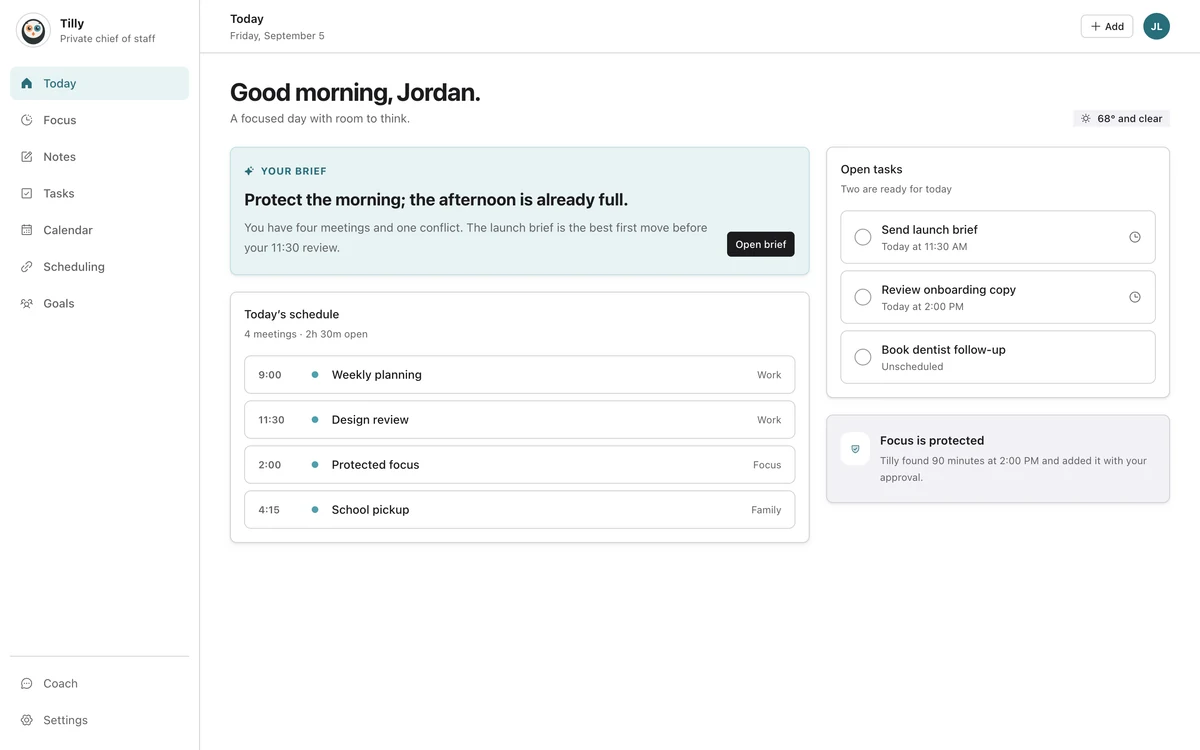
We want Pro to add depth behind the decisions that need it. Today should still answer what happens next. Conflict detail, focus controls, and connection management can appear when the user opens that job.
Purchase restoration is part of the product
Billing states are not glamorous, but they shape trust. Someone who reinstalls the app or moves to a new iPhone should be able to restore an active App Store purchase and understand what happened.
The restore path needs a predictable location, a clear result, and support guidance when the Apple Account does not match the purchase. Subscription polish includes these ordinary moments.
What we are using as the filter
- Does the feature change a planning decision?
- Can the value be explained without marketing vocabulary?
- Does the action preserve account and privacy boundaries?
- Can the daily view stay calm after the feature ships?
- Is failure understandable and recoverable?
These questions do not guarantee the right roadmap. They make it harder to confuse novelty with usefulness.
Questions people ask
What is included in Tilly Pro?
Pro is intended for deeper planning needs such as more calendar connections, richer daily context, conflict tools, focus protection, and assistant features. Check the current pricing page for the latest plan details.
Does Pro automatically change my calendar?
Meaningful calendar actions should remain explicit. Tilly can prepare context or suggest an action, but the user should confirm the details and destination before a record is created.
How do I restore a purchase?
Open the plan area in Tilly and choose Restore purchases while signed into the Apple Account that bought Pro. If Apple shows an active subscription and Tilly does not, contact support with the restore result.