What is open time in a calendar?
Open time is a gap between commitments that may be available for work, travel, rest, or an unscheduled need. It is not automatically focus time. The length, location, energy cost, and events around the gap determine what it can carry.
Naming open time changes the question from "Is the calendar empty?" to "What is this window good for?" That is a better planning question because two empty hours can have very different value.

Blank space hides useful information
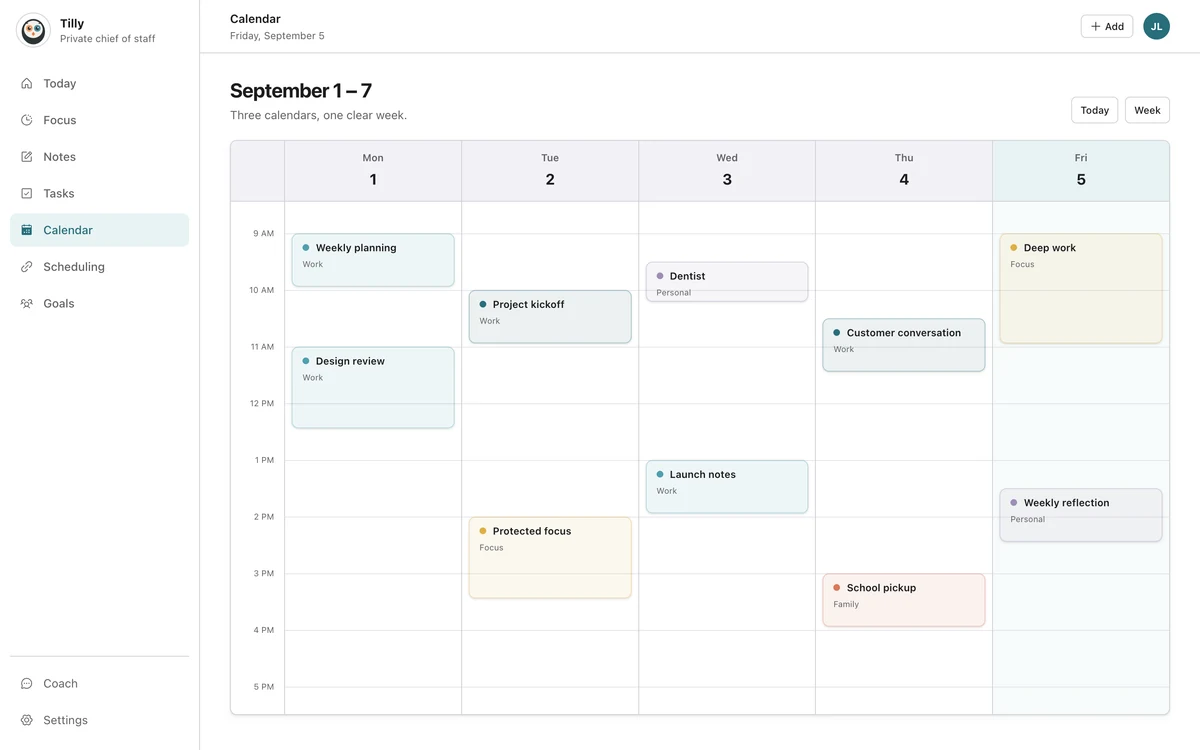
Events have titles, colors, durations, guests, and locations. Empty space has no label, so it is easy to overlook or overestimate. A two-hour opening looks generous until you notice a commute on one side and preparation on the other.
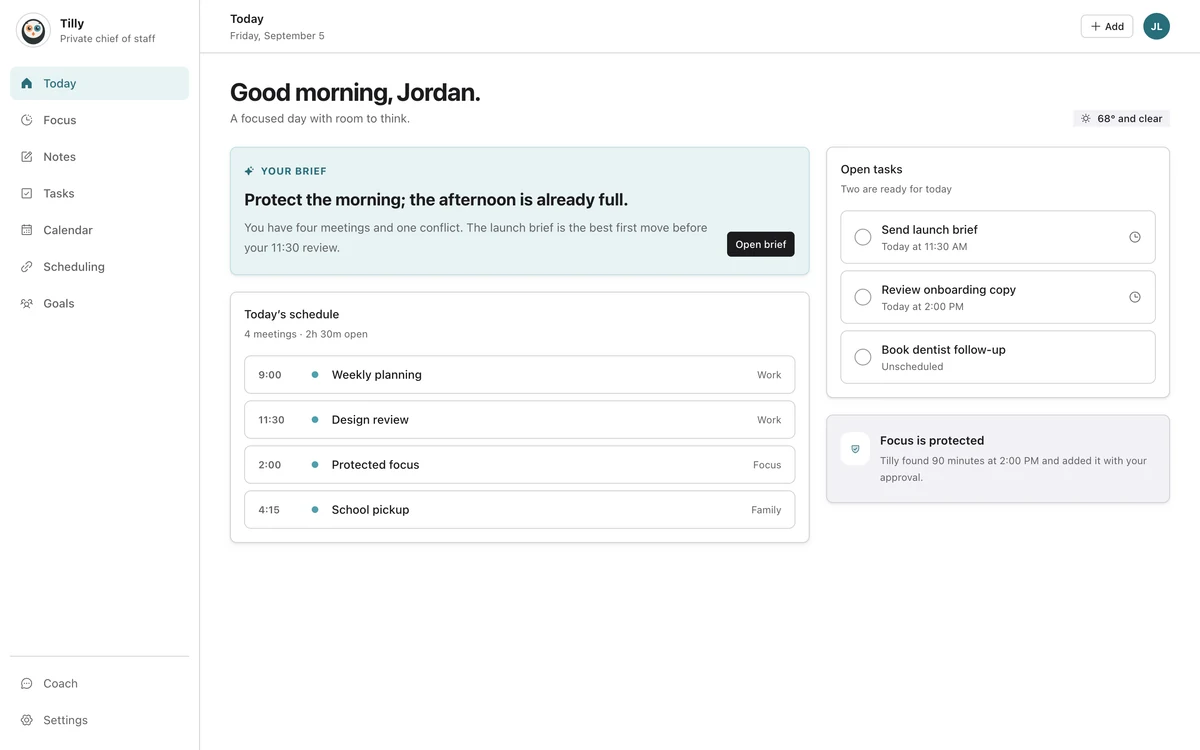
When a calendar names the next opening and its duration, capacity becomes easier to compare with the work. You still make the judgment. The interface simply stops treating the unscheduled part of the day as meaningless background.
Open time, free time, focus time, and buffer time
These terms are related but not interchangeable. Open time describes what is currently unscheduled. Free time is usually personal and intentionally uncommitted. Focus time is a protected block for concentrated work. Buffer time absorbs travel, preparation, or delays.
A single gap may contain all four. For example, a ninety-minute opening after lunch might need fifteen minutes of travel buffer, leave forty-five minutes for focus, and preserve the final half hour as free time.
How to calculate usable open time
- Start with the gap between two fixed commitments.
- Subtract travel and setup time for the next event.
- Leave a small buffer when either event often runs late.
- Match the remaining duration to work that can actually fit.
- Keep the window open if recovery is the better use.
This calculation does not need to become a spreadsheet. Its purpose is to prevent the common mistake of placing a sixty-minute task into a sixty-minute gap that contains no margin for transition.
Protect the windows that have a clear job
A focus block is most useful when the work is specific enough to start. "Write project brief" is easier to enter than "deep work." The title can remain private or neutral on a shared calendar, but you should know what the block is for.
Choose the destination calendar carefully. If coworkers or a booking tool only check your work calendar, a private focus block may not prevent a meeting. If the details are personal, share only the busy status your workplace needs.
Leave some openings unprotected
Protecting every gap recreates the packed day under a different name. Some capacity should remain available for messages, a delayed meeting, a walk, or work that took longer than expected.
The goal is not maximum utilization. It is an honest plan. A calendar that shows both commitments and capacity makes that honesty easier to maintain.
Questions people ask
Should open time appear as an event?
Not always. A calendar can show open time as a derived window without creating a record. Create an event when you want to protect the time or make it visible to another scheduling system.
How long should a focus block be?
Choose a duration that matches the task and your day. Thirty minutes can handle a contained edit. Ninety minutes may suit work that needs setup and concentration. The useful block is the one you can realistically keep.
Is an empty calendar a good calendar?
It can be, but emptiness alone says little. A good calendar represents the commitments that matter and leaves enough capacity for the life around them.