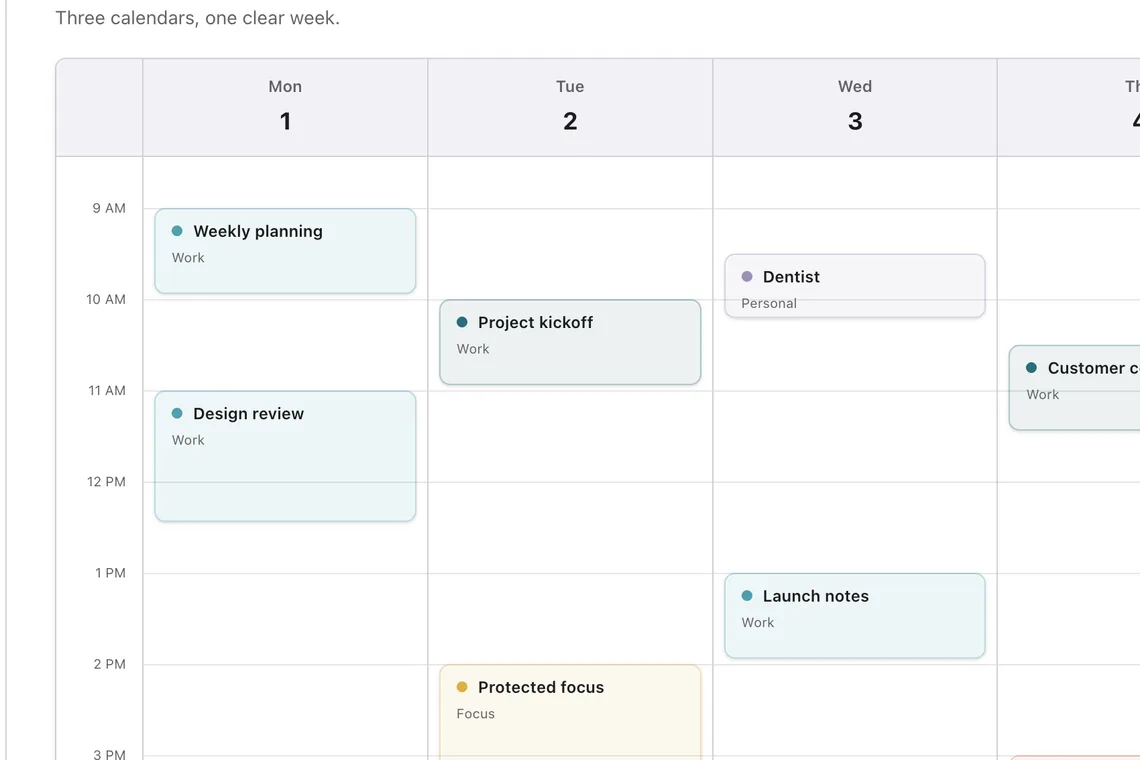
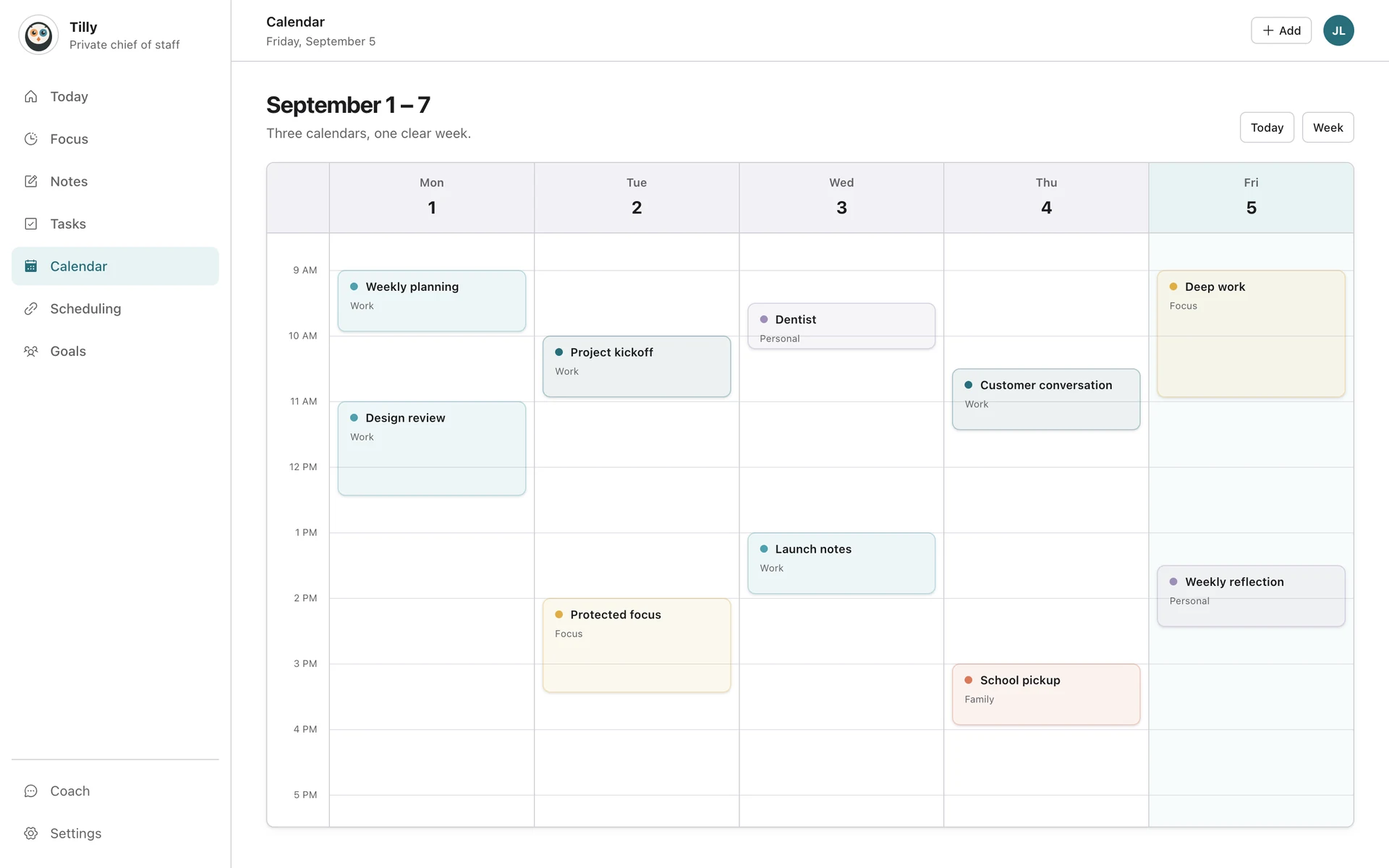
Choose a realistic opening, save one focus block to the calendar that controls your availability, and verify that both the provider and any booking tool treat the time as busy.
Choose a window that can carry the work
Open the day or week and find a gap long enough for the task. Leave room for travel and preparation around nearby events. A ninety-minute opening between remote meetings is different from the same opening between two locations.
Protect the time
Open the free-time window and choose Protect focus time. Set the start, duration, title, and destination calendar. Review the details before you save.
Pick the destination calendar carefully
Use a calendar that the systems scheduling around you can see. If a work booking page checks only your work calendar, a focus block saved to a private calendar may not prevent a new meeting.
Share only what others need
When the block crosses a work and personal boundary, use a neutral title or busy status. Do not copy private task details into a company calendar unless that is intentional.
Choose a realistic duration
Match the block to the work and the day around it. A small administrative task may need thirty minutes; a design or writing session may need ninety. Leave a buffer when a nearby event requires travel, preparation, or a hard transition.
Avoid creating a false conflict
If the same focus block is mirrored across two calendars, make sure conflict checks do not treat the copies as separate commitments. Prefer one destination calendar that the relevant booking and availability systems already read.
Expected result
The block appears at the intended time in Tilly and its provider, uses the chosen privacy level, and makes that period unavailable wherever it needs to. The rest of the day should remain readable without duplicate blocks.
Check the saved block
Confirm that the focus block appears in Tilly and in the destination provider. Then check any booking tool that should treat the time as unavailable.
Change the plan when the day changes
Move or remove a block that no longer fits. Protecting focus time helps only when the calendar still represents what you can realistically do.
If the time is still bookable
Check which calendars the booking tool reads and whether the focus event is marked busy. Confirm that the block was saved to one of those calendars. A block on a private calendar can remain invisible to a work-only scheduling system even though it appears in Tilly.
Review the block before the work starts
When the day changes, check the block against the latest meetings and travel. Shorten, move, or remove it if the original window is no longer honest. A smaller protected block that you can keep is more useful than a large block you routinely ignore.
Common focus-time questions
Should I copy the block to every calendar?
Usually no. Choose the one calendar used for availability and conflict checks. Duplicate blocks can make the combined schedule harder to read and may create a false conflict.
What title should coworkers see?
Use a title that communicates availability without exposing unnecessary personal or project detail. A neutral focus label or busy status is often enough.
How do I find a reliable opening?
Start in Today for the immediate decision, then open the week when travel, deadlines, or several days affect the choice.