Today is a decision view, not a second calendar. Use it to identify the next fixed commitment, the task that deserves attention, and the main schedule risk; open the full calendar when the answer depends on several days.
What Today answers
Today gives you the next event, the tasks that need attention, visible conflicts, and the open time that remains. Use it to decide what needs action now. Open the full calendar when you need to compare several days.
Read the brief first
Start with the short summary at the top. Check the next fixed commitment and any item marked as needing attention before you add more work to the day.
Review conflicts
A conflict means two commitments overlap. Open the full day to compare their calendars, locations, and flexibility. Tilly Pro surfaces conflicts, but you decide which event moves.
Use open time honestly
An empty slot is not always usable focus time. Account for travel, preparation, meals, and the effort of switching contexts before you protect the window.
Keep tasks selective
Put the tasks that matter today close to the calendar. Move unfinished work only when it still deserves time. Carrying every old task forward makes the useful list harder to read.
Know when to open the full calendar
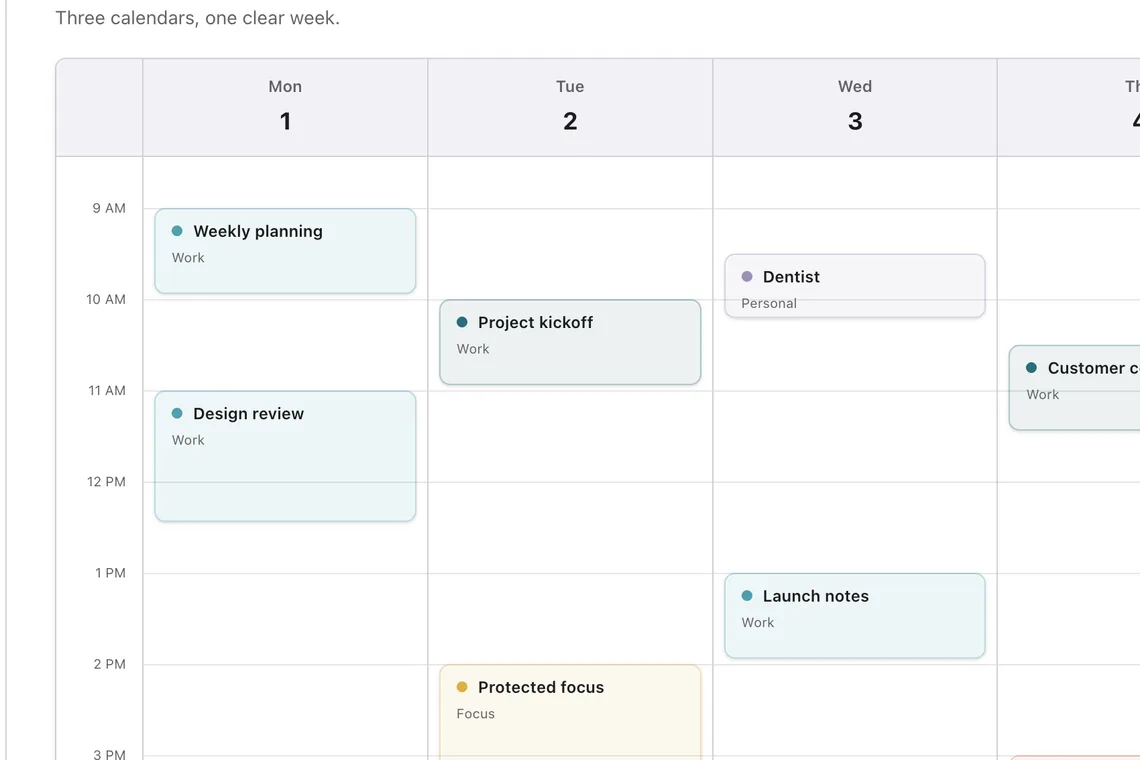
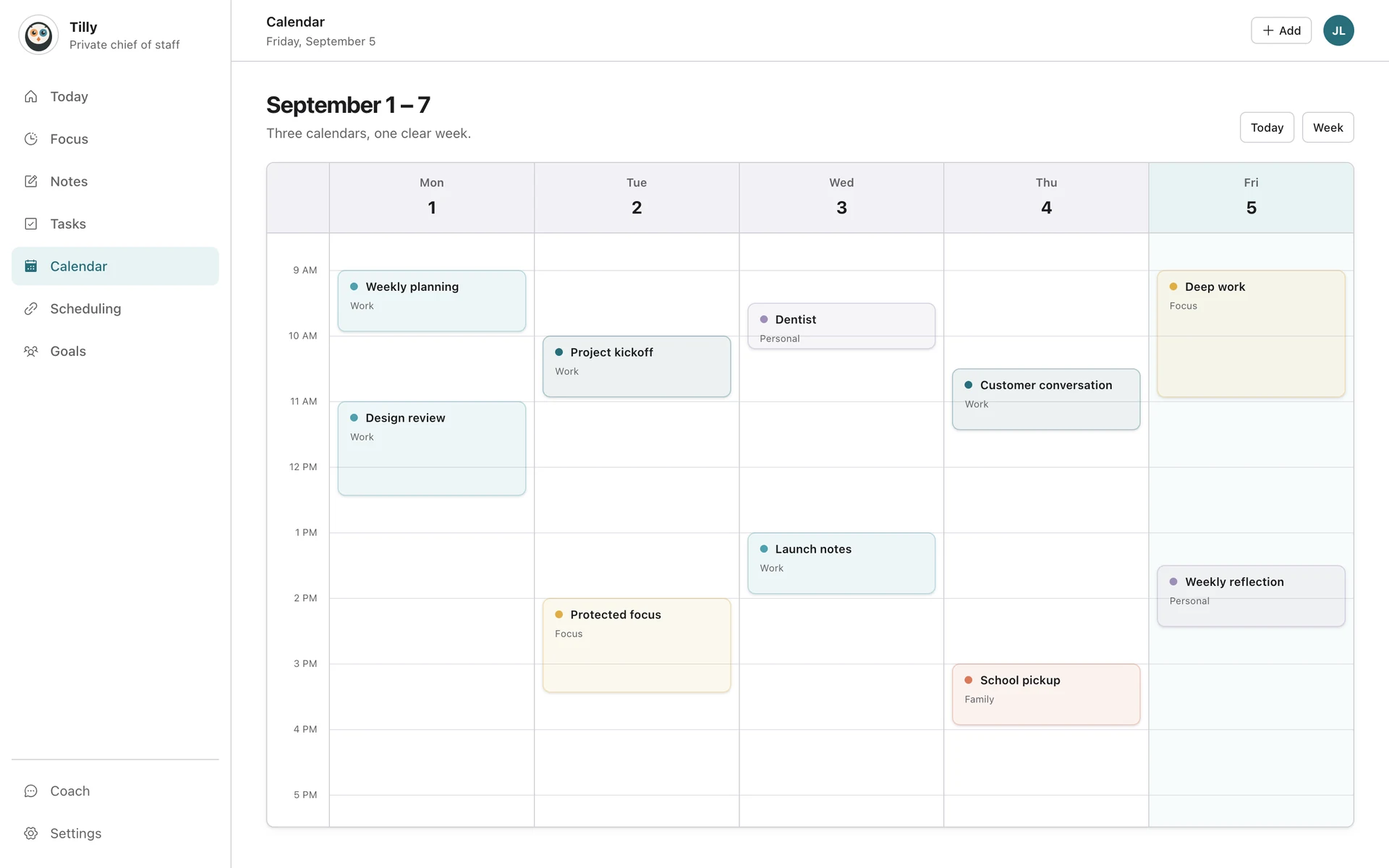
Today is deliberately narrow. Open the week view when accepting a new commitment, comparing travel across days, or deciding where a larger task belongs. Return to Today after the decision so the daily view remains a short operating brief rather than a second weekly planner.
Refresh after a schedule change
When a meeting moves or a new event arrives, give the provider connection a moment to update, then reopen Today. Recheck the next commitment, any conflict, and the largest usable opening. You do not need to rebuild tasks that are still accurate.
Expected result
Within a few seconds, you should be able to name what happens next, the one task that deserves attention, and the main schedule risk. If Today cannot answer those questions, review calendar visibility and shorten the active task list.
Check the result
Close Today when the next commitment, the important task, and the main tradeoff are clear. The view is a starting point for the day, not a dashboard to manage all day.
If Today looks incomplete
Compare the missing event with the provider calendar, then check the account and calendar visibility in Connections. If the schedule is correct but the view is noisy, hide reference calendars and reduce the active task list rather than ignoring the whole brief.
A two-minute Today routine
- Read the next fixed event and note any preparation or travel time.
- Check conflicts before accepting another commitment.
- Choose one task that fits the largest realistic opening.
- Protect that opening if other people or booking tools can claim it.
Common Today questions
Does Today automatically move my meetings?
No. It surfaces the schedule and conflicts so you can decide what changes. Provider calendars remain the source of event ownership.
Why is an empty slot not shown as usable time?
Travel, preparation, overlapping calendars, or adjacent commitments can make a visually empty slot impractical. Open the calendar and inspect the surrounding events before treating it as focus time.
Where should I go next?
Use Protect focus time when a workable opening should stay free. If an event is missing entirely, return to the relevant calendar connection guide.